
Rollout checklist (launch readiness checklist)
Write down what must be true before you go live, ask for proof that each item is done, and hold the launch if a critical one fails.
- Time
- 45 min
- People
- 4–6
- Kind of work
- Plan · Scale

In short
A rollout checklist is a list of operational readiness conditions a new service or change must meet before it goes live. Each condition has an owner, a due date, a status and, crucially, the evidence that shows it is done. The team agrees in advance which items are critical, and holds the rollout if any of those fail.
What it is
Most launch problems are not surprises. Someone knew the help line had not been briefed, or that one payment type had not been tried, but it was not written down anywhere the decision makers looked. A rollout checklist brings these conditions into one place before launch, so the go or no-go decision rests on facts rather than optimism.
What makes it more than a to-do list is the Evidence column. "Done" is not enough. Each item needs a short note of proof: a test record, a signed form, a screenshot, a briefing attendance list. The checklist also marks some items as critical. If a critical item fails, the rollout waits, however much pressure there is to keep the date.
When to use it
Use it when
- A new or changed service is about to reach the public or a large group of staff.
- Several teams must each be ready at the same time for the launch to work.
- A previous launch went wrong because something everyone assumed was ready was not.
- Leaders need a clear, evidence-based basis for a go or no-go decision.
Skip it when
- The work is still being designed or tested; a checklist this early becomes a list of wishes.
- The change is small and easy to reverse, such as wording on one page; a quick peer check is enough.
- You want a long generic template; copying one without thinking about your service will miss what matters.
You need
- Time
- About 45 minutes to build the first version, then a short check-in each week before launch.
- People
- Four to six people: the service owner and a lead from each team that must be ready, such as technology, operations, customer support and communications.
- Materials
- The worksheet with Readiness check, Evidence, Owner, Due and Status; the roadmap or launch plan; results from any earlier tests or a premortem.
How to run it
Step 1: Gather readiness conditions by area
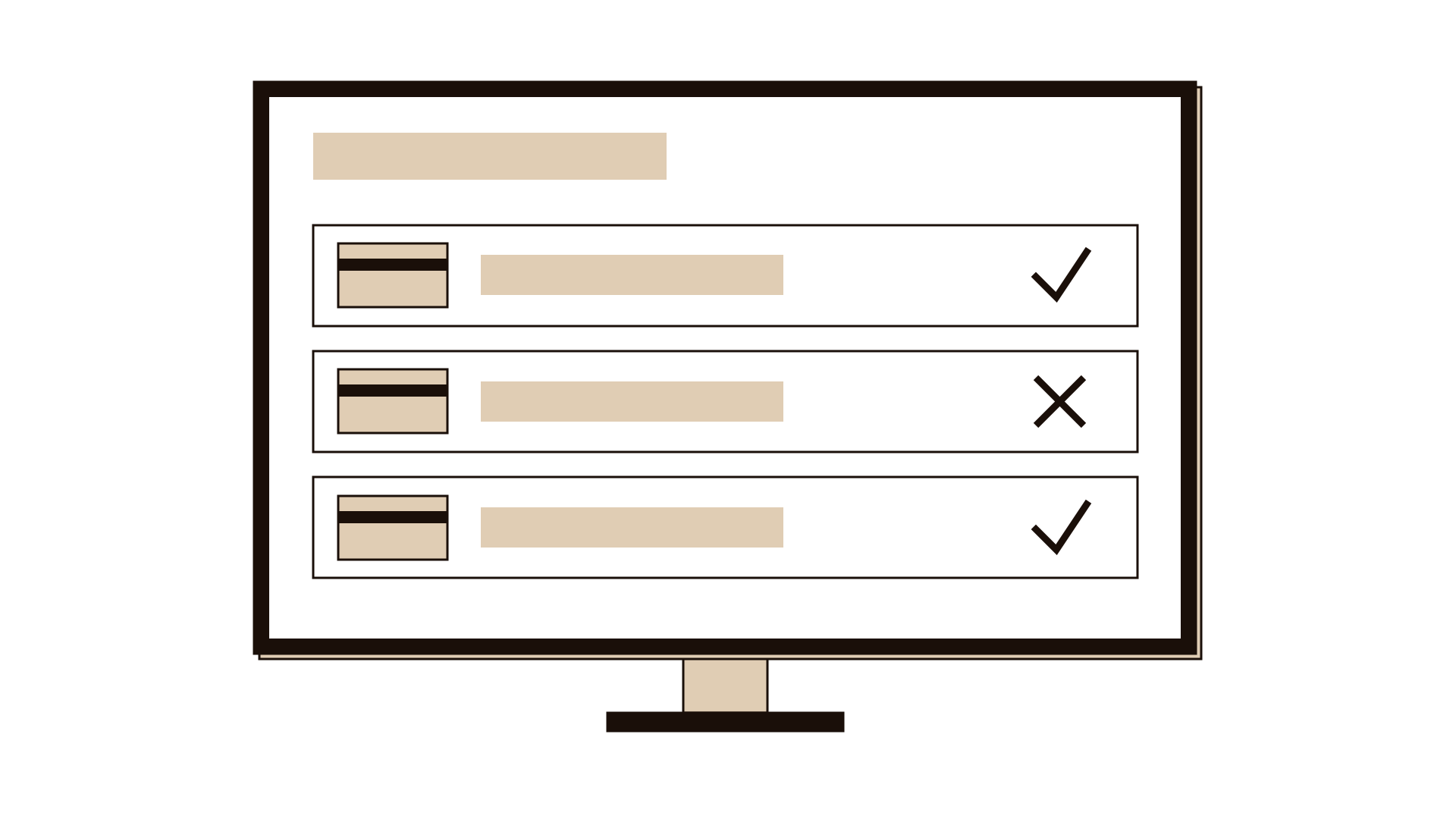
Ask each lead to list what must be true in their area before launch: systems, people, processes, communication, support and rollback. Write each condition as a finished state, such as "All three card types complete payment on the live system".
Step 2: Add conditions from past failures
Look at what went wrong in earlier launches and in your premortem, if you ran one. Add a condition for each serious risk. These are often the most valuable items on the list.
Step 3: Mark which items are critical
Agree which conditions would stop the launch if they failed: anything that could harm users, lose money or data, or make the service unusable. Keep the critical list short and clear. Everything else can be fixed shortly after launch if needed.
Step 4: Define the evidence for each item
For each condition, write what counts as proof that it is met: a test log, a signed approval, a training attendance list, a live test transaction. If no evidence is possible, rewrite the condition until it can be checked.
Step 5: Assign an owner and a due date
Name one role that owns each item and a date by which it must be met, leaving a buffer before launch. The owner gathers the evidence and updates the status.
Step 6: Review status weekly
Meet briefly each week to go through the list. Status is one of: not started, in progress, met with evidence, or failed. Focus the discussion on critical items and anything late.
Step 7: Make the go or no-go decision
At an agreed point before launch, check every critical item. If all are met with evidence, go. If a critical item has failed, hold the rollout, fix it, and set a new date. Write down the decision and who made it.
Worked example
A motor insurer was moving policy renewals to a new online payment step. A similar change two years earlier had failed on launch day because one card type was rejected, leaving many renewals unpaid. The team built a rollout checklist six weeks before the new launch.
Leads from technology, operations, the contact centre and communications listed 28 readiness conditions. Seven were marked critical, including "All three accepted card types complete a live renewal payment" and "Rollback to the old payment page tested end to end".
For the card condition, the evidence was a test record of a real renewal with each card type on the live system, with references. Two card types passed in week four. The third failed because of a setting at the payment provider.
At the go or no-go meeting a week before launch, that critical item was still marked failed. The service owner held the rollout for nine days while the setting was corrected and retested, and the communications lead adjusted the customer messages.
The renewed launch went live with all critical items met. Calls about payment problems in the first month were well below the level seen after the earlier change.
IllustrativeTips and mistakes
Tips
- Keep critical items to a number people can hold in mind, often between five and ten.
- Ask for evidence that a sceptical outsider would accept, not a verbal "yes, it's fine".
- Include a tested way to go back, so a failed launch can be undone quickly.
- Put frontline briefing and public communication on the list; they are as much part of readiness as systems.
- Keep the checklist after launch and use it as a starting point for the next one.
Common mistakes
- Marking items as done with no evidence, so the list gives false comfort.
- Making every item critical, which means the launch can never go or the rule is quietly ignored.
- Building the checklist the week before launch, when there is no time left to fix what it finds.
- Going ahead despite a failed critical item because the date has been announced.
What you walk away with
You leave with a shared list of what must be true before launch, the proof each item is met, the role that owns it and a clear rule for holding the rollout. That gives leaders a fair basis for a go or no-go decision and protects users from avoidable failures. Link the checklist to your roadmap milestones, and include the dates from your stakeholder communication plan so people hear about the change at the right time. If you have not yet imagined how the launch could fail, run a premortem first.
Questions people ask
What should be on a rollout checklist?
Conditions from every area that must be ready: systems and data, people and training, processes, customer support, communication, and a tested way to go back. Add items based on what went wrong in past launches. Each item needs an owner, a due date and evidence.
What is a go or no-go decision?
It is an agreed moment before launch when the decision maker checks the critical items on the checklist. If they are all met with evidence, the launch goes ahead. If any has failed, the launch is held until it is fixed. Agree who decides before the day.
How is a rollout checklist different from a project plan?
A project plan describes the work to be done and when. A rollout checklist describes the conditions that must be true at the end of that work, with proof. It is a final check that the plan delivered what launch needs.
Tool card
The worksheet your team fills in, one box per field.
- Readiness check
- Evidence
- Owner
- Due
- Status