
KPI tree (driver tree)
Put the outcome at the top, branch it into the things that plausibly drive it, give each a measure, and mark which links you still need to prove.
- Time
- 45 min
- People
- 4–8
- Kind of work
- Plan · Scale

In short
A KPI tree, or driver tree, is a diagram that breaks one outcome into the drivers that plausibly influence it, then into measurable indicators. Each driver gets a measure, a current baseline and an owning role. The tree helps a team see where to act, and it treats the links between drivers and outcome as assumptions to check.
What it is
A KPI tree starts with one outcome at the top, such as "share of permit applications decided within ten days". Below it you branch into the main drivers that plausibly affect it: how complete applications are when they arrive, how long they wait for review, how often they go back for corrections. Each driver can branch again, until you reach things a team can measure and influence directly.
The tree does two things. It turns a big goal into smaller levers that specific teams can own. And it makes your theory of cause and effect visible. Some branches will be well supported by data; others are educated guesses. A good KPI tree marks the difference, often by drawing uncertain links as dashed lines, so the team checks them rather than asserting them.
When to use it
Use it when
- You have a clear outcome but the team is unsure what actually moves it.
- Several teams contribute to one result and each needs a measure it can influence.
- Leaders track one headline figure and want to understand why it changes.
- You are setting objectives or targets and want them linked to real drivers.
Skip it when
- You have not agreed the outcome yet; settle that first.
- There is no data at all and no way to collect it soon; the tree will stay a drawing.
- You want to rank or compare individual staff; a KPI tree is about services and processes, not people.
You need
- Time
- About 45 minutes for a first tree, plus time afterwards to find baselines.
- People
- Four to eight people who know the service end to end, including someone who can access the data.
- Materials
- A large wall or board, cards for outcome and drivers, pens in two styles for solid and uncertain links, and the worksheet with Outcome, Driver, Measure, Baseline and Owner.
How to run it
Step 1: Write one outcome at the top
Agree one outcome that matters to the people the service serves, and write it as a measurable result, such as "share of applications decided within ten working days". One tree per outcome. If you have three outcomes, draw three trees.
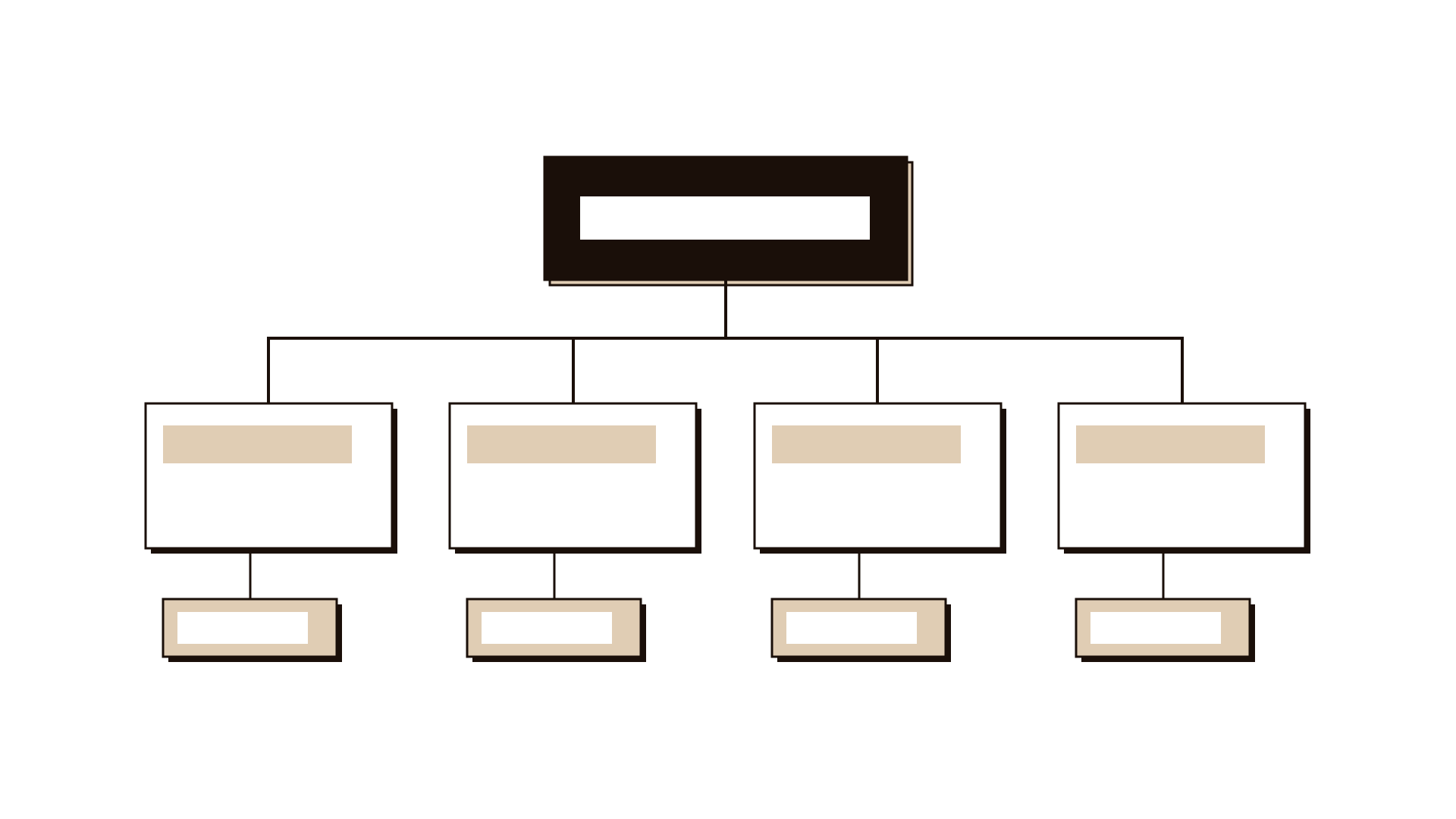
Step 2: Branch into first-level drivers
Ask: what are the main things that plausibly push this outcome up or down? Aim for three to five drivers that, together, cover most of what affects it. Use plain names, such as "applications complete on arrival" or "waiting time before first review".
Step 3: Break drivers down until they are actionable
For each driver, ask the same question again. Stop when you reach something a single team can influence directly. Most useful trees are two or three levels deep. Deeper than that and they become hard to read.
Step 4: Give each driver a measure
Write how each driver will be measured: a count, a share, a time. Make sure it can be collected from existing data or with a simple tally. If a driver cannot be measured, either find a reasonable proxy or mark it clearly as unmeasured.
Step 5: Add the current baseline
For each measure, write today's value or an honest estimate with its source. Baselines show where the biggest gaps are and give you a starting point for any target. Mark estimates as estimates.
Step 6: Mark uncertain links
Look at each line between a driver and the level above. If you have evidence the driver really affects the outcome, draw it solid. If it is a belief, draw it dashed. Dashed links are assumptions to check, using data or a small test.
Step 7: Name an owning role for each driver
Agree which role is responsible for watching and improving each driver. Use roles, not individuals. The tree is there to help teams see their contribution.
Worked example
A telecom operator wanted more new home internet customers to be connected within five days of ordering. Only about half were, and complaints about installation delays were rising.
The outcome at the top was "share of new home internet orders connected within five days". The baseline from the order system was 52 percent.
The team branched into four drivers: orders with a correct address on first entry, engineer appointments available within three days, first visits that complete the installation, and equipment in stock at the local depot.
Data showed that first visits completed the job only 71 percent of the time, and the main reason was a missing building access permission. That link was drawn solid. The team believed stock levels mattered too, but had no data on it, so that link was drawn dashed.
Owners were named for each driver: the sales team for address accuracy, field planning for appointments, field operations for completion. A two-week tally at three depots checked the stock assumption, and found it played only a small part. The team focused effort on access permissions first.
IllustrativeTips and mistakes
Tips
- Keep the top outcome about the people served, not about internal activity.
- Test the tree by asking: if every driver improved, would the outcome really move?
- Use dashed lines generously; it is better to admit a guess than to defend it later.
- Revisit the tree every quarter as data comes in and some dashed links become solid or disappear.
Common mistakes
- Putting activities rather than results in the tree, such as "run campaign" instead of "share of customers aware of the option".
- Treating every branch as proven, which leads teams to push on drivers that do not move the outcome.
- Building a tree so deep and wide that nobody can read it on one page.
- Using the tree to compare individual staff members, which damages trust and distorts the data.
What you walk away with
You leave with a one-page tree that links one outcome to its main drivers, each with a measure, a baseline and an owning role, and with the uncertain links clearly marked. It shows teams where they can make a difference and which beliefs still need checking. Use the drivers to write objectives and key results, check the dashed links with an A/B experiment plan or a small hypothesis test, and if you need a wider view across several outcomes, consider a balanced scorecard.
Questions people ask
What is the difference between a KPI tree and a driver tree?
They are usually the same idea. Both break an outcome into the factors that drive it and give each a measure. Some people use driver tree for the cause and effect structure and KPI tree when each branch has an agreed indicator. This guide treats them as one method.
How many levels should a KPI tree have?
Two or three levels are enough for most services. Stop breaking a driver down once a single team can influence it directly and measure it. If the tree needs more levels to make sense, the outcome at the top may be too broad.
How do I know if a driver really affects the outcome?
Look for evidence: historical data showing the two move together, a past change in the driver followed by a change in the outcome, or a small test. Until you have that, draw the link dashed and treat it as an assumption.
Tool card
The worksheet your team fills in, one box per field.
- Outcome
- Driver
- Measure
- Baseline
- Owner