
Remote and hybrid workshops people stay awake in
How to run remote and hybrid workshops that hold attention: shorter blocks, silent work on a shared board, one person one screen, and a producer.

Remote and hybrid workshops people stay awake in
A remote workshop holds attention when it is shorter than an in-room session, broken into blocks of no more than 90 minutes, built around silent work on a shared board rather than talking, and run by two people: a facilitator and a producer. A hybrid workshop works when you treat everyone as remote, with each person on their own screen, even those in the meeting room. Most failures come from copying an in-room agenda onto a video call.
Why online sessions drain people faster
Video calls are tiring in ways a meeting room is not. In 2021, Jeremy Bailenson of Stanford's Virtual Human Interaction Lab set out four likely reasons in the journal Technology, Mind, and Behavior: prolonged close-up eye contact, constantly seeing your own image, being stuck in one position in front of the camera, and the extra mental effort of sending and reading non-verbal signals through a screen. His paper was a theoretical argument, not a final verdict, but every experienced facilitator will recognise the symptoms.
Add the realities of remote work, such as notifications, a second screen and family at home, and you can see why a full-day online workshop rarely works. The answer is not more energisers. It is a different design.
How to design a remote workshop, step by step
Cut the agenda by a third, then split it. Whatever you would cover in a day in the room, plan for two or three online sessions of two to three hours on different days. Gaps between sessions are useful: people can do small tasks, such as an interview or a quick test, and bring the results back.
Work in blocks of 60 to 90 minutes with real breaks. Ten minutes off camera, away from the screen, every hour and a half at the latest. Say when the break ends and start on time; that habit alone signals the session is worth joining punctually.
Make the board the room. Prepare one shared digital board with a clearly labelled area for each activity, in the order you will use them, and a private area for each participant. Do the setup before the day. A participant who spends the first twenty minutes looking for where to click has already switched off.
Run a two-minute tool check at the start. Ask everyone to add a sticky note with their name and one word on how they arrive. It tests access, shows them the basic moves, and puts everyone's voice on the board before anyone has spoken.
Default to silent work, then talk. Online, only one microphone works at a time, so production blocking is even worse than in the room. Use individual writing rounds, brainwriting or Crazy 8s with a visible timer, and keep cameras on and microphones off during the round. Our article on silent-first ideation explains why this works.
Use breakout rooms with a task and an output. Groups of three to five, for 10 to 20 minutes, with the instructions written in their area of the board, not only spoken. Name who reports back before they go. Visit each room briefly to unblock, not to supervise.
Converge on the board, together. Cluster notes with affinity grouping while sharing the screen, then vote with dot voting using the board's voting feature or coloured dots, with everyone voting at the same time. Hidden voting, if your tool supports it, avoids people copying what others have chosen.
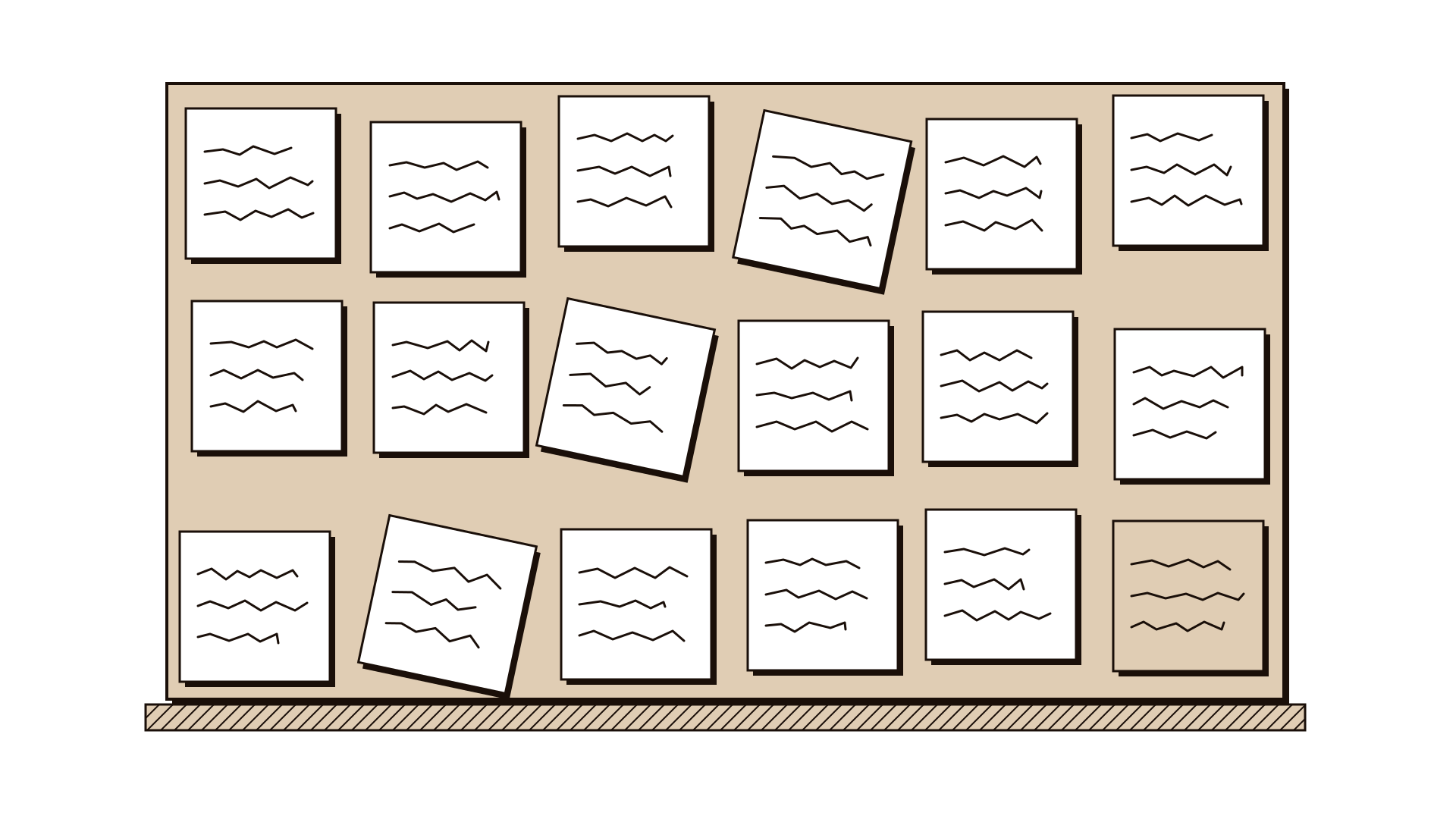
- Close with a written decision and a quick review. Type the decision, owner and date on the board while everyone watches, then run a short retrospective on the session itself: what helped, what got in the way. Online facilitation improves fastest through these small, honest reviews.
Hybrid: the one rule that matters
Hybrid workshops, with some people in a room and others online, are the hardest format to run well. The usual failure is that the room becomes the meeting and the remote people become an audience: they cannot hear side conversations, cannot see the whiteboard, and give up trying to break in.
The rule that fixes most of it: one person, one screen. Everyone in the room joins the call on their own laptop, with headphones or their own microphone muted, and works on the same digital board as remote participants. Nobody writes on a physical wall that half the group cannot see.
Some further practices:
- Give remote participants first turn in every round of sharing. It reverses the natural bias towards the room.
- Assign a remote advocate. One person in the room whose job is to watch the chat and raise hands on behalf of those online.
- Use a good room microphone or none. If the room audio is poor, have in-room people speak through their own laptops instead.
- Avoid hybrid for high-stakes decisions where you can. If the decision is contentious, either bring everyone together or put everyone online. Unequal presence becomes unequal influence.
The producer: the role most teams skip
A remote session needs two people running it. The facilitator leads the content and the group. The producer handles everything else: breakout rooms, timers, links in the chat, resetting the board, helping the person whose sound has dropped, and messaging the facilitator privately when something is going wrong. Without a producer, the facilitator spends half the session on logistics, and the group feels it.
The producer can be a colleague who has never facilitated. Give them a written run sheet with each block, its timing and what they need to set up.
Illustrative example
Illustrative. A public health agency in Australia needed to agree priorities for a new community outreach programme with staff in five regional offices. A one-day in-person workshop would have meant travel for twenty people. Instead the team ran three online sessions of two and a half hours across one week.
Session one mapped the current situation, with silent writing and clustering on a shared board. Between sessions, each regional team spoke with two community workers and posted short notes on what they had heard. Session two generated ideas using brainwriting in breakout rooms. Session three prioritised and agreed owners. A producer from the communications team handled breakout rooms and timing throughout. Participants who usually said little in large meetings contributed heavily on the board, and the final retrospective asked for one change: shorter instructions, written on the board before each activity.
Common mistakes
- Copying the room agenda onto a call. A seven-hour day online loses people by lunch.
- Running without a producer. The facilitator cannot lead a group and fix breakout rooms at the same time.
- Open discussion as the default. Long spoken discussion favours the confident and the well-connected. Write first.
- Instructions only spoken. People who were checking a message miss them. Write every instruction on the board.
- Hybrid with a physical whiteboard. If remote people cannot see it, it does not exist for them.
- No record at the end. Online sessions blur together. If the decision is not written while everyone is present, it will be remembered differently by each person.
Questions people ask
How long should a virtual workshop be? Two to three hours per session is a practical maximum for most groups, with a break at least every 90 minutes. For larger pieces of work, run several sessions on different days rather than one long one.
What is the best tool for remote workshops? The best tool is the one your participants can open without help, combined with a video platform that supports breakout rooms. Test access in advance, especially with participants behind strict organisational firewalls.
Should cameras be on in a remote workshop? Ask for cameras on during discussion and group work, where faces help, but allow people to turn them off during individual writing and breaks. Insisting on cameras all the time adds to the fatigue you are trying to avoid.
Where to go next
For the full approach, read how to run a workshop that ends in decisions. If your remote session is part of a wider pattern of distributed work, running innovation with distributed and hybrid teams covers the longer rhythm. The method guides that translate best to a shared board are brainwriting, affinity grouping, dot voting and the retrospective.