
Affinity grouping (affinity diagram)
Read every observation in silence, group the notes that belong together, and name each pattern while keeping the original evidence underneath it.
- Time
- 45 min
- People
- 3–6
- Kind of work
- Frame

In short
Affinity grouping, also called an affinity diagram, is a way to turn many research notes into a few clear patterns. The team reads the notes silently, moves related ones into clusters, then names each cluster as a pattern while keeping the original notes beneath it. Three to six people can sort 100 to 200 notes in about 45 minutes.
What it is
After interviews, observations or a diary study, you usually have far more notes than anyone can hold in their head. Affinity grouping is how a team makes sense of them together. Every observation goes on its own sticky note. The team places them on a wall, reads them, and moves notes that seem to belong together into clusters. Each cluster then gets a short name that describes the pattern it shows.
The method is often linked to Jiro Kawakita, the Japanese anthropologist who developed a version of it for organising field notes, and it is sometimes called the KJ method. Its value lies in working from the bottom up. You do not start with categories and fill them. You let the notes suggest the groups. And because each pattern keeps its original notes beneath it, anyone can trace a finding back to what a real person said or did.
When to use it
Use it when
- After a round of research, when you have dozens or hundreds of notes.
- When several people did the research and each holds part of the picture.
- When you want the team to agree on findings, not just read a report.
- Before writing problem statements or how might we questions.
- To make sense of open-ended survey answers or complaint logs.
Skip it when
- When you have fewer than about 20 notes. Just read them together.
- When you already know the categories you need. A simple tally or closed sort is quicker.
- When the notes are opinions from a meeting rather than observations. Clustering guesses produces confident-looking guesses.
You need
- Time
- About 45 minutes for 100 to 200 notes, plus 15 minutes to write up the patterns.
- People
- Three to six people, ideally those who did the research.
- Materials
- Sticky notes with one observation each, a large wall or board, markers, header cards in a different colour, and the four-field worksheet.
How to run it
Step 1: Prepare one observation per note
Before the session, write each observation on its own note: a quote, an action, a fact. Add a short source tag such as I4 for interview four. Keep interpretations off the notes. One idea per note makes moving them easy.
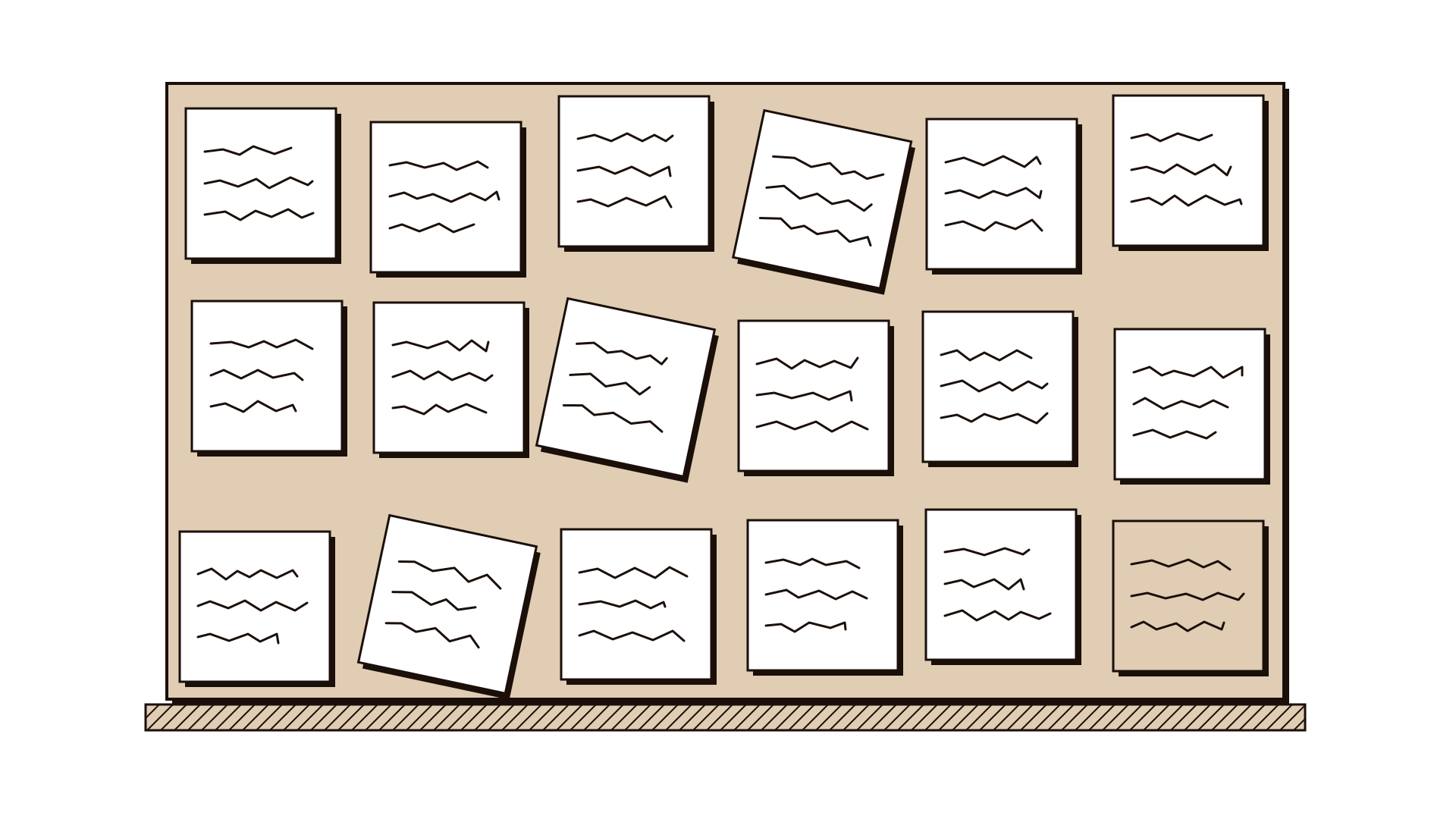
Step 2: Put all the notes up, unsorted
Stick every note on the wall in no particular order. Seeing the whole mass at once helps the team resist sorting by interview or by person.
Step 3: Read in silence
Give everyone ten minutes to read the wall without talking. Silence stops the first confident voice from setting the categories for everyone.
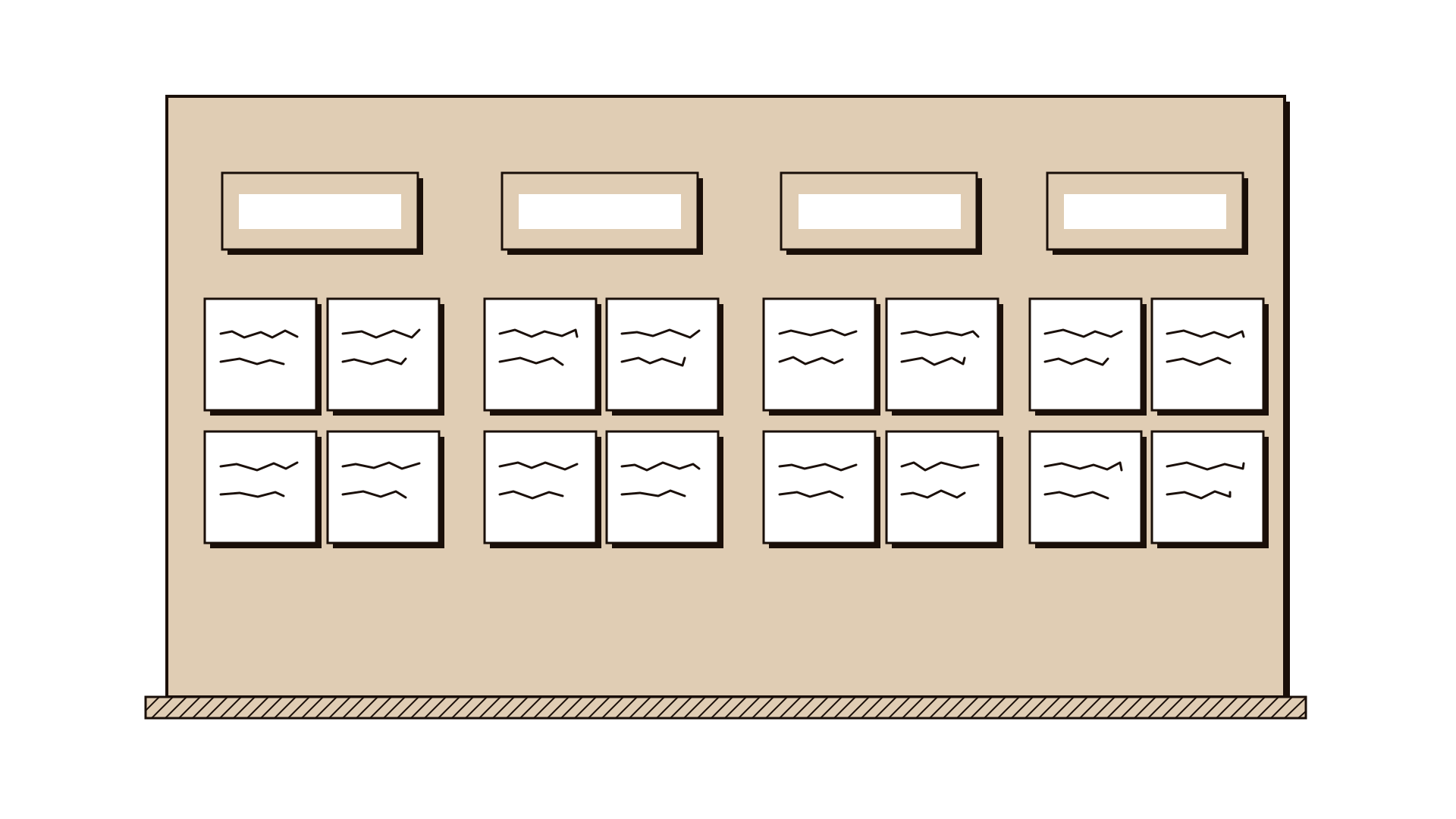
Step 4: Group related notes, still silently
Anyone can move any note next to others that seem related. If someone moves a note away again, let it go back and forth; if it keeps moving, make a copy for both places. Aim for clusters of three to ten notes.
Step 5: Name each cluster as a pattern
Now talk. For each cluster, agree a short header that says what the notes show, written as a statement: applicants learn the rules only after they are rejected. Avoid one-word labels such as communication, which hide the finding.
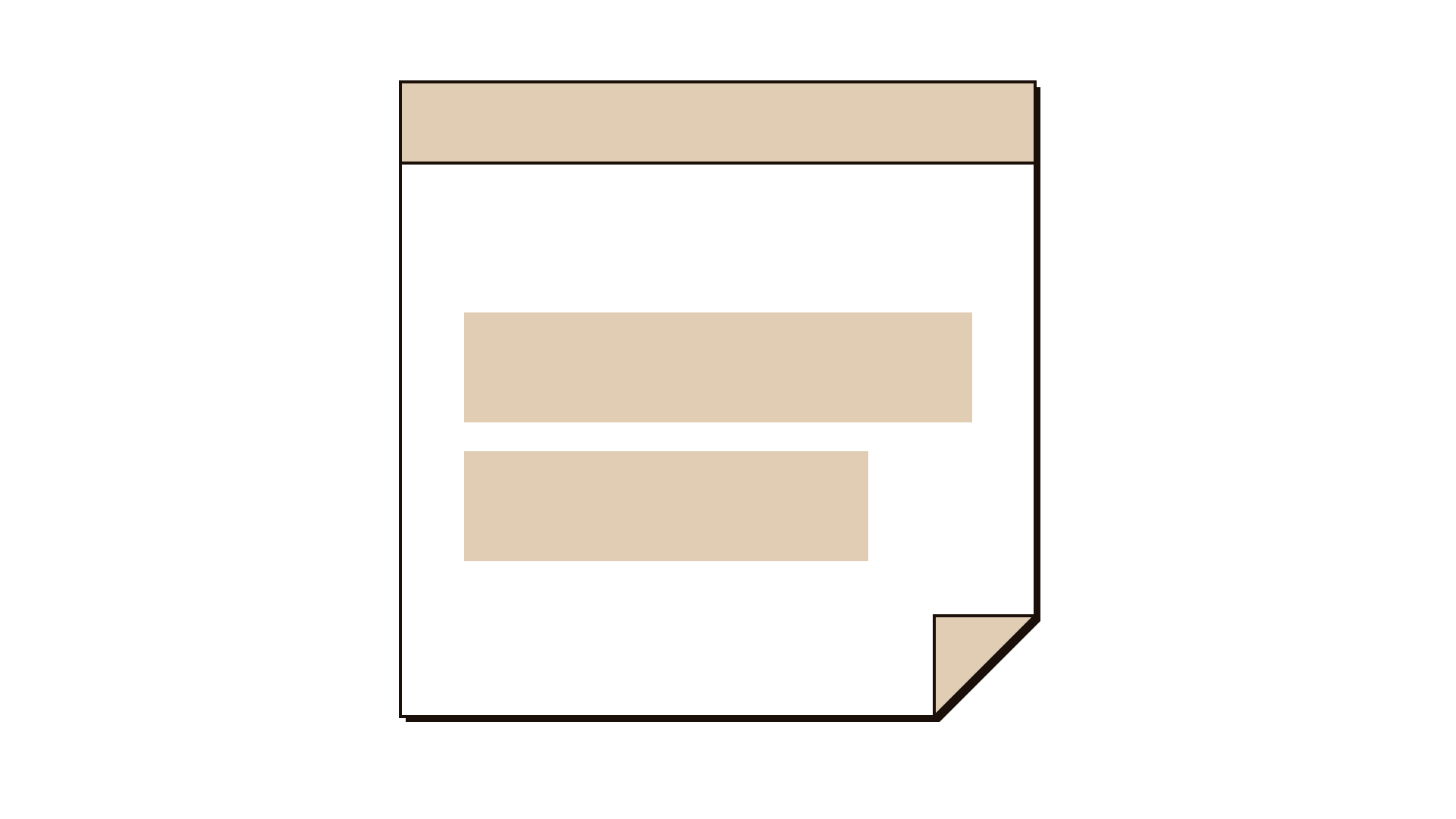
Step 6: Keep the evidence attached
Leave the original notes under each header. In the worksheet, record each Observation, its Cluster, the Pattern and the Evidence source. This is what lets anyone check a finding later.
Step 7: Look across the patterns
Step back and ask: which patterns are strongest, which are surprising and which connect? Mark the three to five that matter most for the problem you are working on.
Worked example
A traffic department wants to improve vehicle registration renewal. A team of four has completed 14 interviews with drivers and two shifts observing the service counter, producing 160 notes.
The team writes each observation on a note with its source tag, for example: I7, I renewed late because I didn't get any reminder. All 160 go up on the wall in random order.
After ten minutes of silent reading, they start moving notes. A cluster forms around reminders: messages that never arrived, messages sent to an old phone number, a driver who only noticed when stopped at a checkpoint.
Another cluster gathers notes about inspection: drivers who did not know inspection had to happen first, a counter observation of three people sent away to get inspected. One note moves back and forth between the two clusters, so the team copies it.
Naming the clusters, the team writes headers such as: drivers rely on reminders that often do not reach them, and drivers discover the inspection step at the counter. Each header keeps its notes beneath it. These two patterns become the focus of the next session.
IllustrativeTips and mistakes
Tips
- Write notes in full sentences. Fragments make sense to the writer and to nobody else.
- Mix up whose notes go where. Pairs of eyes from different interviews see links one person misses.
- Allow a holding area for notes that fit nowhere yet. Some of them become the most interesting cluster.
- Photograph the wall before and after naming the clusters.
- Remote boards work, but give everyone the same quiet reading time before moving anything.
Common mistakes
- Starting with category headers and sorting notes into them, which defeats the purpose.
- Naming clusters with single nouns that hide what was found.
- Throwing away the original notes once the patterns are written.
- Letting one person do all the moving while others watch.
What you walk away with
Your team leaves with a handful of named patterns, each one a clear statement backed by the original notes beneath it, and a shared view of which patterns matter most. That is the bridge from research to framing. Next, turn the strongest patterns into a problem tree to separate causes from consequences, or write how might we questions from them.
Questions people ask
What is the difference between an affinity diagram and card sorting?
An affinity diagram is a team clustering its own research notes to find patterns. Card sorting asks users to group items so you can learn how they think. They look similar on a table, but the people and the purpose differ.
How many notes can you cluster in one session?
A team of three to six can handle 100 to 200 notes in about 45 minutes. With more than 300, split the work into two sessions or sort a first pass by topic.
Is an affinity diagram the same as the KJ method?
They are closely related. The KJ method, named after Jiro Kawakita, is a fuller version with more structured steps. Most teams today use a simpler affinity grouping based on the same idea.
Tool card
The worksheet your team fills in, one box per field.
- Observation
- Cluster
- Pattern
- Evidence