
Fishbone diagram (Ishikawa)
Write one precise unwanted effect at the head, group every possible cause into families along the bones, and test the likely causes instead of declaring them.
- Time
- 45 min
- People
- 3–6
- Kind of work
- Understand · Frame

In short
A fishbone diagram, also called an Ishikawa or cause-and-effect diagram, maps the possible causes of one problem. You write the effect at the head, draw four to six bones for cause families such as people, process, tools and information, and add causes to each. A team of three to six takes about 45 minutes, then tests the likeliest causes.
What it is
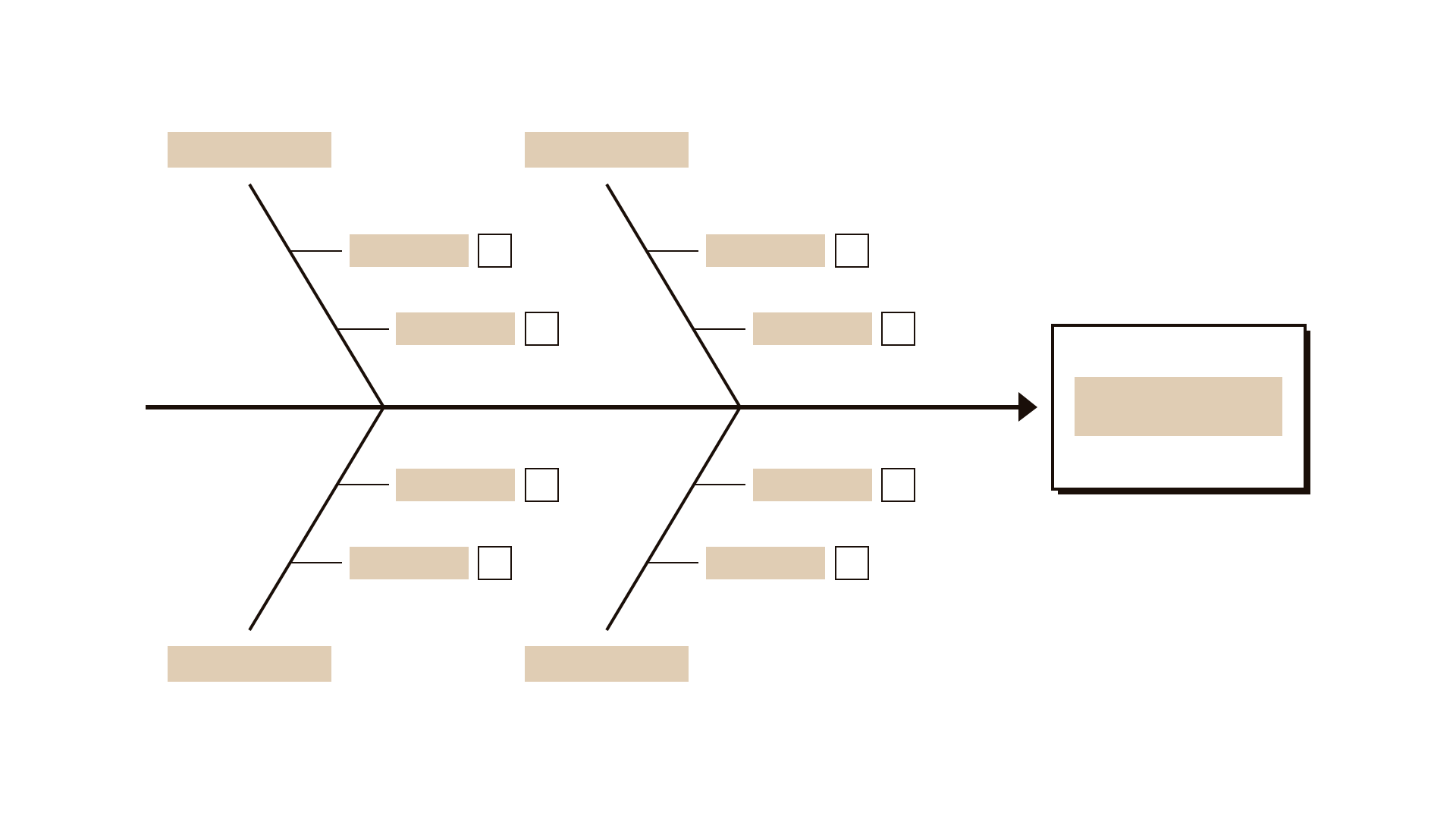
A fishbone diagram is a cause-and-effect chart shaped like the skeleton of a fish. The problem, written as a precise effect, sits at the head. A spine runs back from it, and bones branch off the spine, each one a family of causes. Along each bone the team writes the specific causes it can think of. The method is named after Kaoru Ishikawa, the quality engineer who made it widely known.
Its strength is breadth. When a problem has many contributing causes, a straight line of whys can miss half of them. The fishbone makes the team look in every direction: at the process, the forms, the systems, the people, the rules and the information involved. It also makes gaps visible. A bone with no causes on it is a question worth asking. Every cause stays a possibility until evidence supports it, which is why each one gets an evidence slot beside it.
When to use it
Use it when
- When a problem seems to have several causes acting together.
- When a team keeps arguing for its favourite cause and you need to see all of them side by side.
- When a five whys chain keeps branching.
- Before choosing what to fix, so you do not fix the most visible cause and miss the biggest one.
- When people from different departments each see a different part of the problem.
Skip it when
- When the problem is vague. Sharpen it into one measurable effect first.
- When you need to show how causes lead to consequences over time. A problem tree handles that better.
- As a final answer. The diagram lists possible causes; it does not prove any of them.
You need
- Time
- About 45 minutes for one effect, plus time afterwards to check evidence.
- People
- Three to six people who see the problem from different angles, including front-line staff.
- Materials
- A whiteboard or large sheet, sticky notes, markers, the four-field worksheet, and any data about the problem.
How to run it
Step 1: Write a precise effect
At the head of the fish, write the unwanted effect with a number and a time frame: 35 percent of commercial registration applications returned for correction in the last quarter. A sharp effect keeps the session focused.
Step 2: Draw the bones
Draw a spine and four to six bones. Choose cause families that suit your problem, for example: Process, Forms and documents, Systems, People and skills, Rules, Information given to applicants. Label each bone.
Step 3: Generate causes silently
Give everyone eight minutes to write possible causes on sticky notes, one per note. Silent writing gives quieter voices the same chance as louder ones and produces more ideas.
Step 4: Place causes on the bones
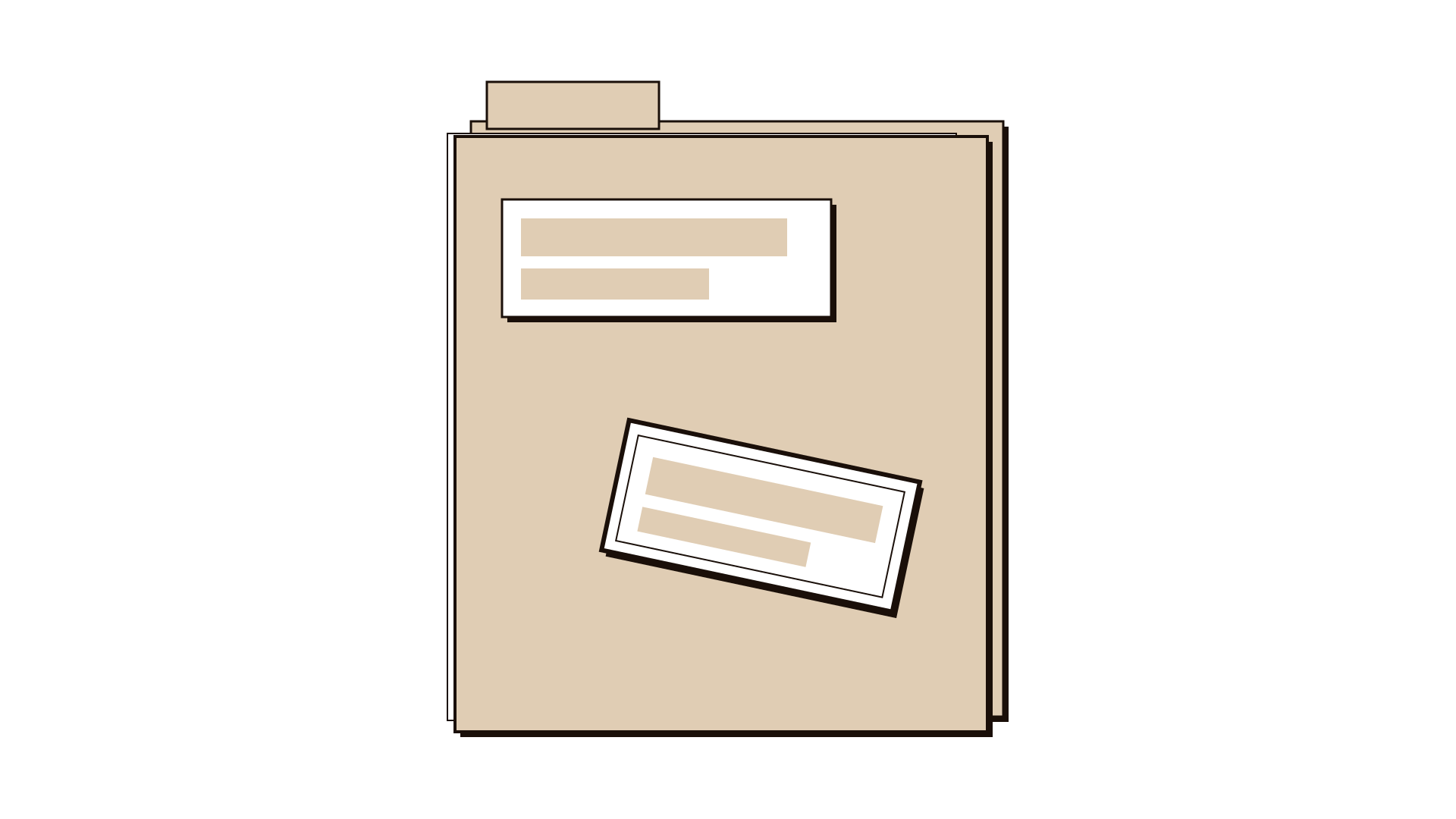
Each person reads out their notes and places them on the bone that fits best. If a cause fits two families, put it where it is most actionable. Group duplicates together rather than throwing them away.
Step 5: Ask why on the strongest causes
For the causes that draw the most agreement, ask one or two whys to reach a more specific sub-cause. Add these as smaller bones off the main ones.
Step 6: Add evidence or mark it missing
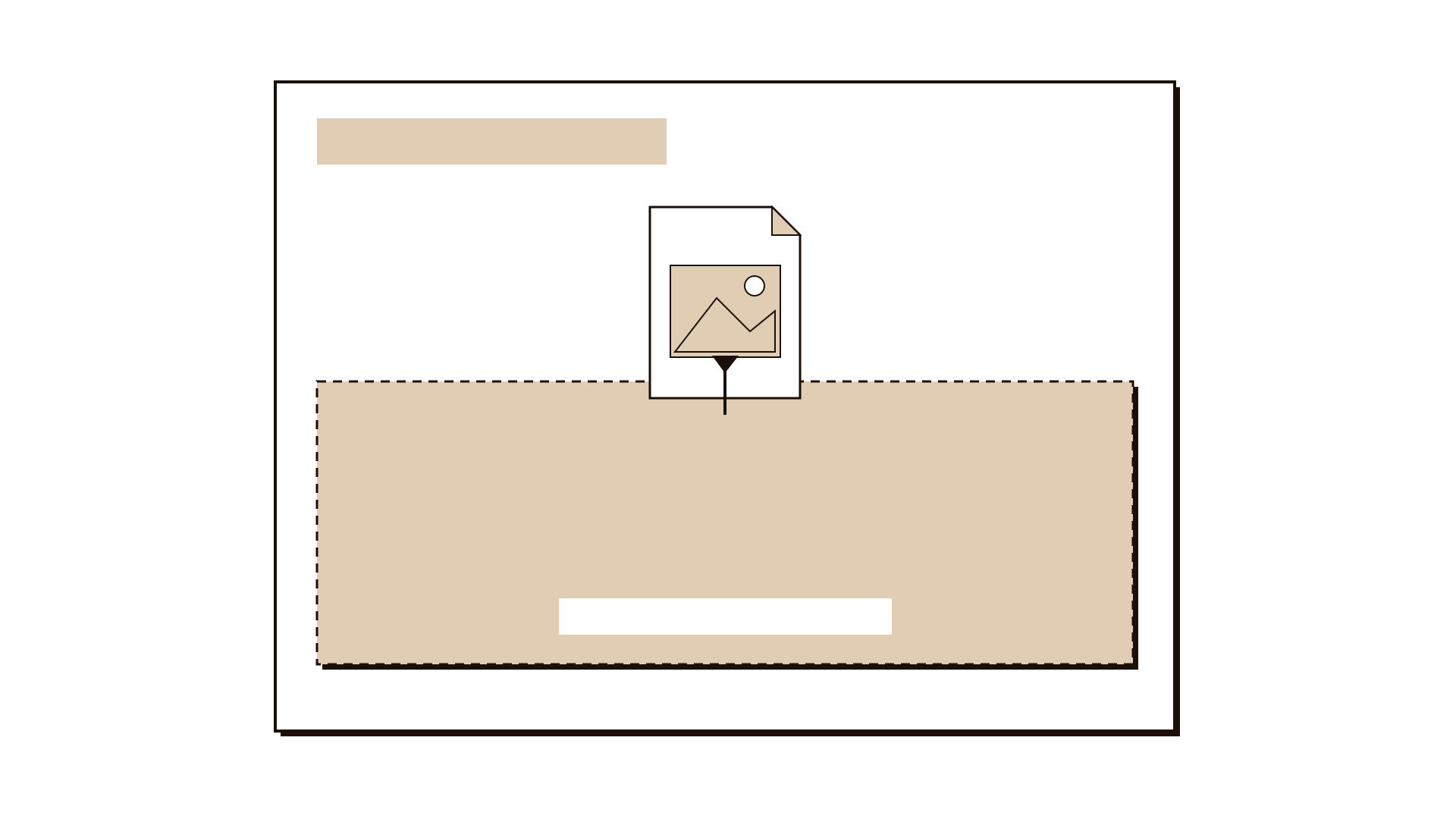
Beside each cause, note any Evidence the team already has: a sample of files, a system log, a complaint pattern. Where there is none, mark it. Do not treat agreement in the room as evidence.
Step 7: Choose causes to test
Pick two or three likely causes that could explain the largest share of the effect. For each, agree a quick check, such as reviewing 30 returned files, and who will do it by when.
Worked example
A government registry handling commercial registrations finds that 35 percent of applications were returned for correction last quarter. Each return adds about a week. Five people meet: a registry officer, a reviewer, a digital channel lead, a call centre agent and a policy adviser.
The effect at the head reads: 35 percent of commercial registration applications returned for correction, last quarter. The team draws five bones: Process, Documents, Systems, Information to applicants and Rules.
In eight minutes of silent writing they produce 31 notes. On Systems, the digital lead writes: the upload field accepts any file type. On Information to applicants, the call centre agent writes: applicants ask which version of the lease they need. On Rules, the policy adviser writes: the activity code list changed in spring.
For the upload issue, the reviewer adds evidence from memory: she often receives photos of the wrong page. The team marks this as needing a check. For the activity codes, the officer has a report showing returns doubled the month the list changed.
They choose three causes to test: wrong files uploaded, unclear lease requirement and outdated activity codes. The reviewer will sample 30 returned files within a week and tag each by reason. That sample will show which bone carries most of the weight.
IllustrativeTips and mistakes
Tips
- Spend more time on the effect than you think you need. A vague head produces a vague fish.
- Pick bone labels that fit your work. The classic manufacturing set does not have to be yours.
- Invite someone who handles complaints or calls. They hear the causes every day.
- Leave the diagram up after the session so people can add evidence as they find it.
- A sample of 20 to 30 real cases tagged by cause is often the fastest way to test the fishbone.
Common mistakes
- Writing a solution as a cause, such as no online chat, which hides the real cause.
- Treating the most popular cause as the proven one.
- Putting every cause on the People bone, which turns analysis into blame.
- Stopping at the diagram without any plan to check the causes.
What you walk away with
You leave with a full picture of the possible causes of one effect, grouped into families, with evidence noted where you have it and gaps marked where you do not, plus two or three causes to test and a named owner for each check. Next, follow the strongest cause deeper with five whys, or use a problem tree if you also need to show the consequences the effect produces.
Questions people ask
How long does a fishbone analysis take?
About 45 minutes for one well-defined effect with a team of three to six. Checking the evidence afterwards can take a few days, depending on how easy the records are to reach.
Fishbone vs five whys?
A fishbone spreads wide, showing many possible causes across families. The five whys goes deep down one line. Many teams use the fishbone first to see the field, then five whys on the most likely cause.
What categories should I use on a fishbone diagram?
Use families that fit your work. Common choices are process, people, tools or systems, materials or documents, rules, environment and information. Four to six bones is usually enough.
Tool card
The worksheet your team fills in, one box per field.
- Effect
- Cause family
- Possible cause
- Evidence