
Paper prototype
Draw it on paper, hand it to a real user, and watch where they get stuck.
- Time
- 45 min
- People
- 3–5
- Kind of work
- Test
In short
A paper prototype is a rough, hand-drawn version of a screen, form or service step. You pick one risky task, sketch just enough screens for it, and ask a real user to try the task while a team member swaps the paper screens in response. You watch without coaching and note where they hesitate. A session takes about 45 minutes.
What it is
A paper prototype lets you test an idea before anyone writes code or prints a form. Each screen or step is drawn on its own sheet. When the user 'taps' a button with a finger, a team member playing the computer puts the next sheet down. It looks crude, and that is the point. People feel free to criticise something that clearly took ten minutes to draw.
The method works because most usability problems are about structure and wording, not colour or polish. Is the next step obvious? Does the label mean what we think? Is something missing? Paper exposes these issues quickly and cheaply. You can redraw a screen between two sessions and test the change the same afternoon.
When to use it
Use it when
- You have a concept from a design studio or crazy eights and want to see if people can use it.
- A new form, letter, screen or kiosk flow is about to go to development.
- The team disagrees about layout or wording and needs evidence from users.
- You need to test with people who are not comfortable with digital tools, since paper feels less intimidating.
Skip it when
- The question is about speed, animation or performance. Paper cannot show those.
- You are testing whether people want the service at all. Try a concierge test or interviews instead.
You need
- Time
- 20 minutes to draw, then about 20 minutes per user session plus a short debrief
- People
- A facilitator, a person to play the computer, a note-taker, and 3 to 5 users, one at a time
- Materials
- A4 or index cards, black pens, sticky notes for pop-ups and messages, scissors, a phone to photograph each screen
How to run it
Step 1: Choose one risky task
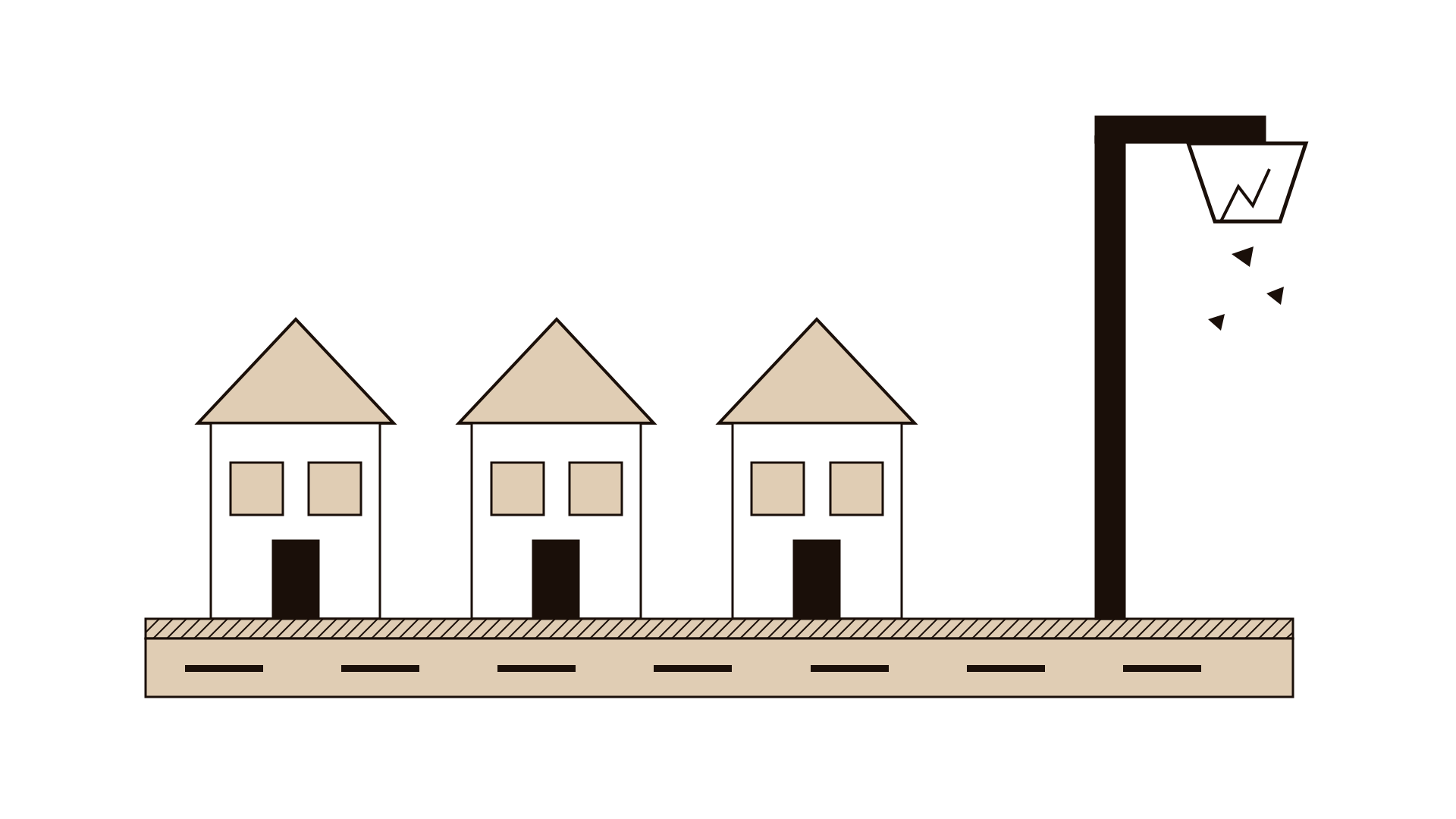
Pick the single task you are least sure users can complete, such as 'report a broken street light and find out when it will be fixed.' Write it as a goal, not instructions. One task keeps the prototype small and the session focused.
Step 2: Write the learning question
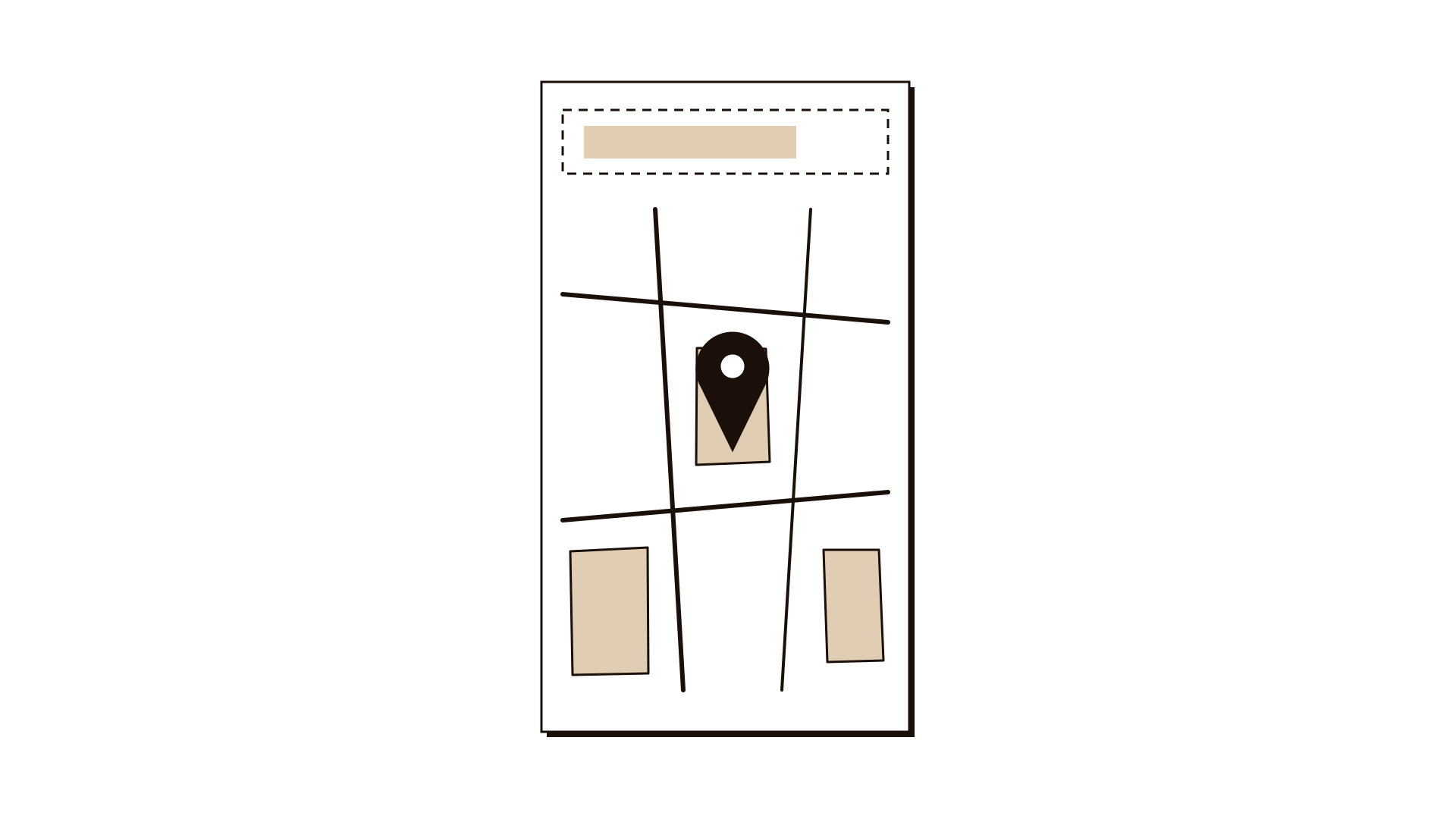
Note what you want to find out, for example 'Can people locate the problem on a map without a street address?' This question decides which screens you need and what the note-taker watches for.
Step 3: Draw just enough screens
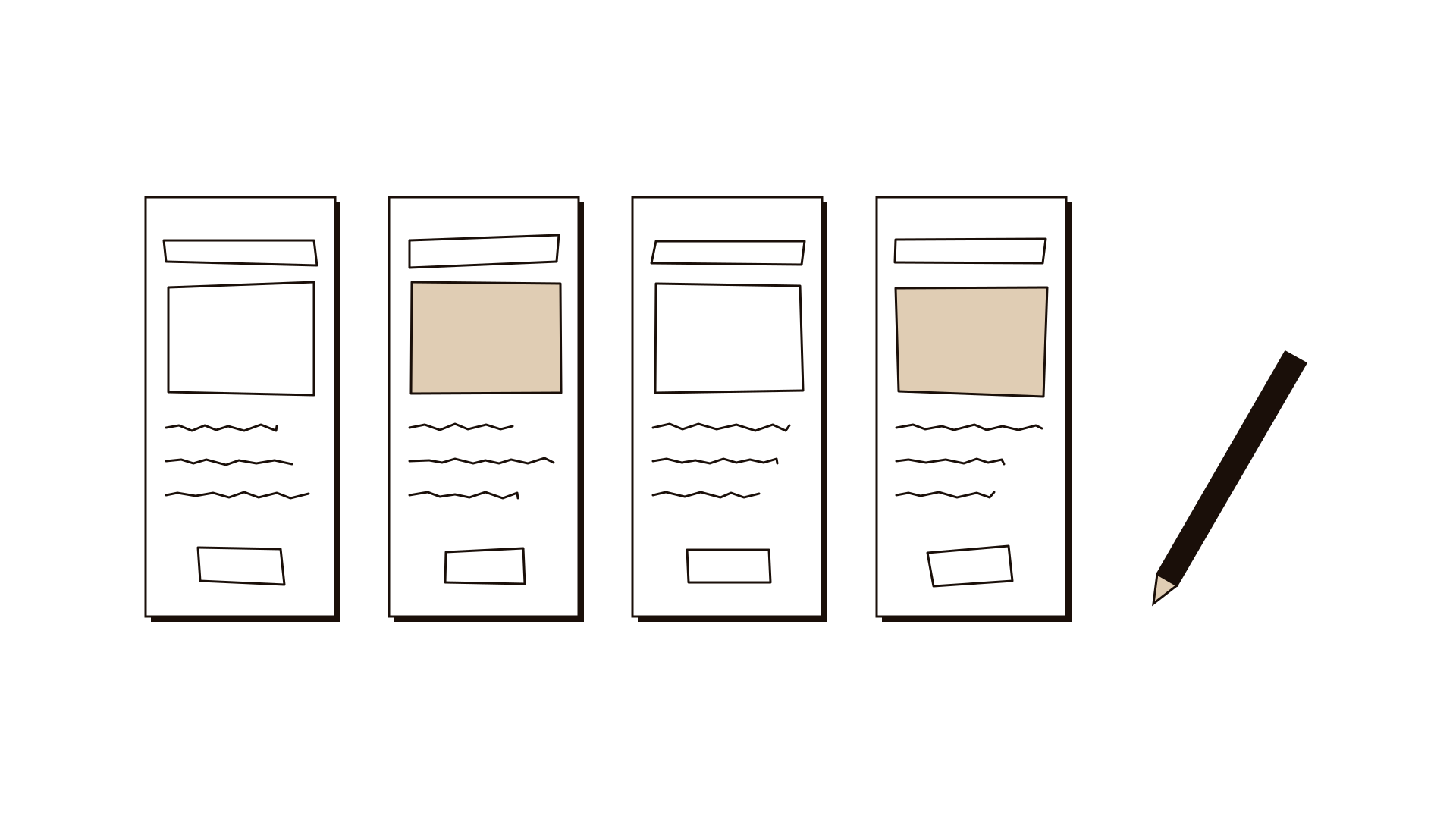
Sketch only the screens the task needs, usually 4 to 8. Use real words, not placeholder text, because wording is often what fails. Draw error messages and pop-ups on sticky notes so you can add them when needed. Number the sheets on the back.
Step 4: Rehearse once in the team
Run the task with a colleague as the user. Check that the person playing the computer can find each next sheet quickly. Fix gaps before a real user arrives.
Step 5: Run the session without coaching
Give the user the task on a card. Ask them to think aloud and to touch what they would tap or write what they would type. Do not explain the design. If they ask 'What does this do?', reply 'What do you think it does?' The note-taker writes what they do and say, with the sheet number.
Step 6: Debrief after each user
Spend 5 minutes after each session listing where the user hesitated, misread or gave up. Decide whether to change a screen before the next user. Small changes between sessions are normal and useful.
Step 7: Summarise and decide
After 3 to 5 users, fill the worksheet: screen or step, user task, interaction, learning question. Mark the problems that appeared for more than one person. Decide what to fix, what to test again, and when the design is ready to build.
Worked example
A municipality wants residents to report broken street lights through a mobile service. The draft design asks for a street address first. A team of three builds a paper prototype and tests it with five residents at a community centre.
The risky task is: 'There is a broken street light outside your relative's house. Report it.' The learning question: 'Can people place the problem without knowing the street address?'
The team draws six screens, including a map screen with a location pin and space for a search box at the top. Messages like 'Report sent' are on sticky notes.
The first two users stop at the address field. One says, 'I don't know the street name, it's the one behind the mosque.' The team skips the address screen for the third user and opens the map first. That user drags the pin to the right spot in under a minute.
Across five users, four struggled with the address field and all four who started with the map succeeded. The team also learns that people want to know when it will be fixed, not only that the report was received. The summary recommends a map-first flow and a status message with an expected date, both to test again on paper next week.
IllustrativeTips and mistakes
Tips
- Keep the drawings rough on purpose. Neat drawings invite comments on style.
- Use the user's real words when you redraw labels.
- Test with 3 to 5 people per round. Most big problems show up by the third user.
- Ask users to bring their own reading glasses if needed, and draw text large enough to read on a table.
Common mistakes
- Explaining the design to the user, which tells you nothing about whether it works on its own.
- Drawing the whole service instead of one task, so sessions run long and blur.
- Testing only with colleagues who already know the service.
- Collecting opinions ('Do you like it?') instead of watching behaviour.
What you walk away with
You walk away with a tested set of screens, a list of the places where users struggled, and a revised design that fixes the biggest problems. You also know which questions remain open. Next, turn the revised flow into a clickable prototype and run a moderated usability test, or use a storyboard to check how the screens fit into the wider service.
Questions people ask
How many users do I need for a paper prototype test?
Three to five per round is usually enough to find the main problems. Fix what you find, then test again with a new group rather than adding more people to the first round.
Does a paper prototype work for services that are not digital?
Yes. You can prototype a paper form, a letter, a sign in a waiting area or a counter conversation script in the same way. Hand the user the materials and watch what they do.
Should I tell users it is only a sketch?
Yes. Explain that you are testing the design, not them, and that it is rough on purpose. People are more honest when they know nothing is final and nobody's work will be hurt by criticism.
Tool card
The worksheet your team fills in, one box per field.
- Screen or step
- User task
- Interaction
- Learning question