
Process flowchart (process map)
Draw the sequence of steps and decisions with the people who do the work, then check the map against real cases.
- Time
- 45 min
- People
- 3–6
- Kind of work
- Understand · Plan

In short
A process flowchart is a diagram of the steps, decisions, inputs and outputs in a process, drawn in the order they happen. To run it, gather the people who do the work, then map the current sequence step by step, mark every decision point and its branches, and test the map on a few real cases before improving anything.
What it is
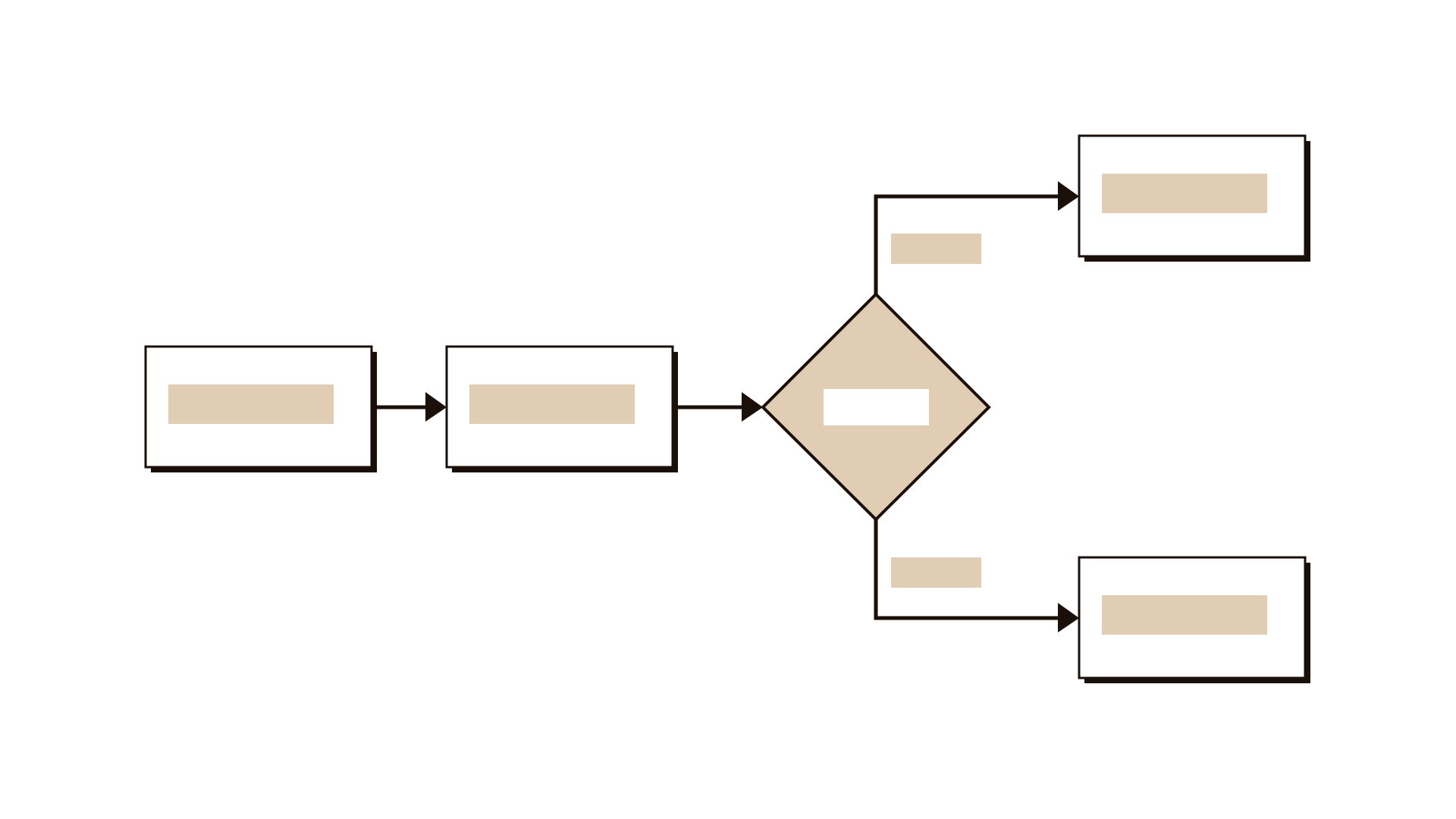
A flowchart uses a few simple shapes: boxes for steps, diamonds for decisions, and arrows for the flow between them. It is one of the basic quality tools and has been used in industry for about a century. Its value is that it makes invisible work visible. Most people know their own part of a process, but few have seen the whole thing laid out.
The key word is current. A useful flowchart shows how work actually happens today, including the workarounds, the loops back and the waiting, not how the policy says it should happen. Once a team agrees on the real picture, it becomes much easier to spot delays, duplicate checks and unclear ownership, and to plan a better version.
When to use it
Use it when
- A process is slow or error-prone and nobody can see the whole of it.
- You are about to redesign or digitise a process and need a reliable starting point.
- New staff struggle to learn a process because it is only in people's heads.
- Handoffs between teams cause delays or lost work.
- You need to agree ownership of each step before writing a RACI.
Skip it when
- You want to understand how users feel along their journey; use an experience map.
- The process changes completely from case to case, so no common flow exists.
- You only need a high-level view of value and cost; use a value chain.
You need
- Time
- 45 minutes for a first map of one process; a second session to validate it.
- People
- 3–6 people who perform the steps, ideally one from each team involved, plus a facilitator.
- Materials
- A long wall or digital board, rectangular notes for steps, square notes turned as diamonds for decisions, markers for arrows, and two or three real case files.
How to run it
Step 1: Set the boundaries
Agree where the process starts and ends. For example: from the moment an employee submits a travel request to the moment the ticket is booked. Write the start and end on the board.
Step 2: List the steps in order
Ask the group to describe what happens next, one step at a time. Write each step as a verb and a noun, such as check budget. Place them left to right.
Step 3: Mark decisions
Whenever someone says it depends, add a diamond. Write the question, such as is the trip over 3 days? Draw each branch and follow it to where it rejoins or ends.
Step 4: Add inputs, outputs and owners
For each step, note what comes in, what goes out and which role does it. Use small notes under the step. Gaps in ownership often show up here.
Step 5: Mark pain points
Ask where work waits, loops back or gets lost. Mark those spots with a symbol and a short note, such as waits 2 days for manager. Do not fix them yet.
Step 6: Walk real cases through
Take two or three real cases and trace them through the map step by step. Wherever a case does something the map does not show, correct the map.
Step 7: Agree next actions
Pick the two or three pain points that cause the most delay or error. Agree who will look into each one and when you will redraw the improved flow.
Worked example
A public university's travel office took an average of 12 working days to approve and book staff travel for conferences.
Five people met: a lecturer, a department administrator, a finance officer, a travel officer and a facilitator. The boundary was from request submitted to ticket booked.
The first draft had 9 steps. When the group walked three real cases through it, they found 4 missing steps, including a second budget check by finance that nobody in the department knew about.
A decision diamond asked whether an agenda was attached. Requests without one were returned by email, and on average this loop added 3 days.
Ownership of the step that confirms dates with the conference organiser was unclear. Two roles each thought the other did it.
The team made the agenda a required field on the form, removed the duplicate budget check, and named the travel officer as owner of date confirmation. The next quarter's average fell to 7 days.
IllustrativeTips and mistakes
Tips
- Map what happens, not what should happen; say this out loud at the start.
- Invite people from every team the process touches, even if only briefly.
- Use a separate colour for workarounds so they are easy to discuss later.
- Keep it on one wall; if it spills over, split it into sub-processes.
- Date the map and name the version; processes change.
Common mistakes
- Drawing the ideal process from a policy document and calling it current.
- Mapping alone at a desk without the people who do the work.
- Skipping the real-case check, so the map looks tidy but is wrong.
- Going into so much detail that the main flow disappears.
What you walk away with
You leave with a validated map of how one process works today, with decisions, inputs, outputs and owners marked, and a short list of pain points to tackle. Use a failure modes analysis to see where each step could go wrong, or a RACI to confirm who owns each step in the improved process.
Questions people ask
How long does it take to map a process?
About 45 minutes for a first draft of one process with a small group. Plan a second session of 30 minutes to walk real cases through and correct it.
What is the difference between a flowchart and a swimlane diagram?
A swimlane diagram is a flowchart split into rows, one per role or team. It is useful when handoffs are the problem. A simple flowchart is enough when one team does most of the work.
Should we map the current or the future process?
Start with the current process. Improving a process you have not mapped honestly usually repeats its problems. Draw the future version once the current one is agreed.
Tool card
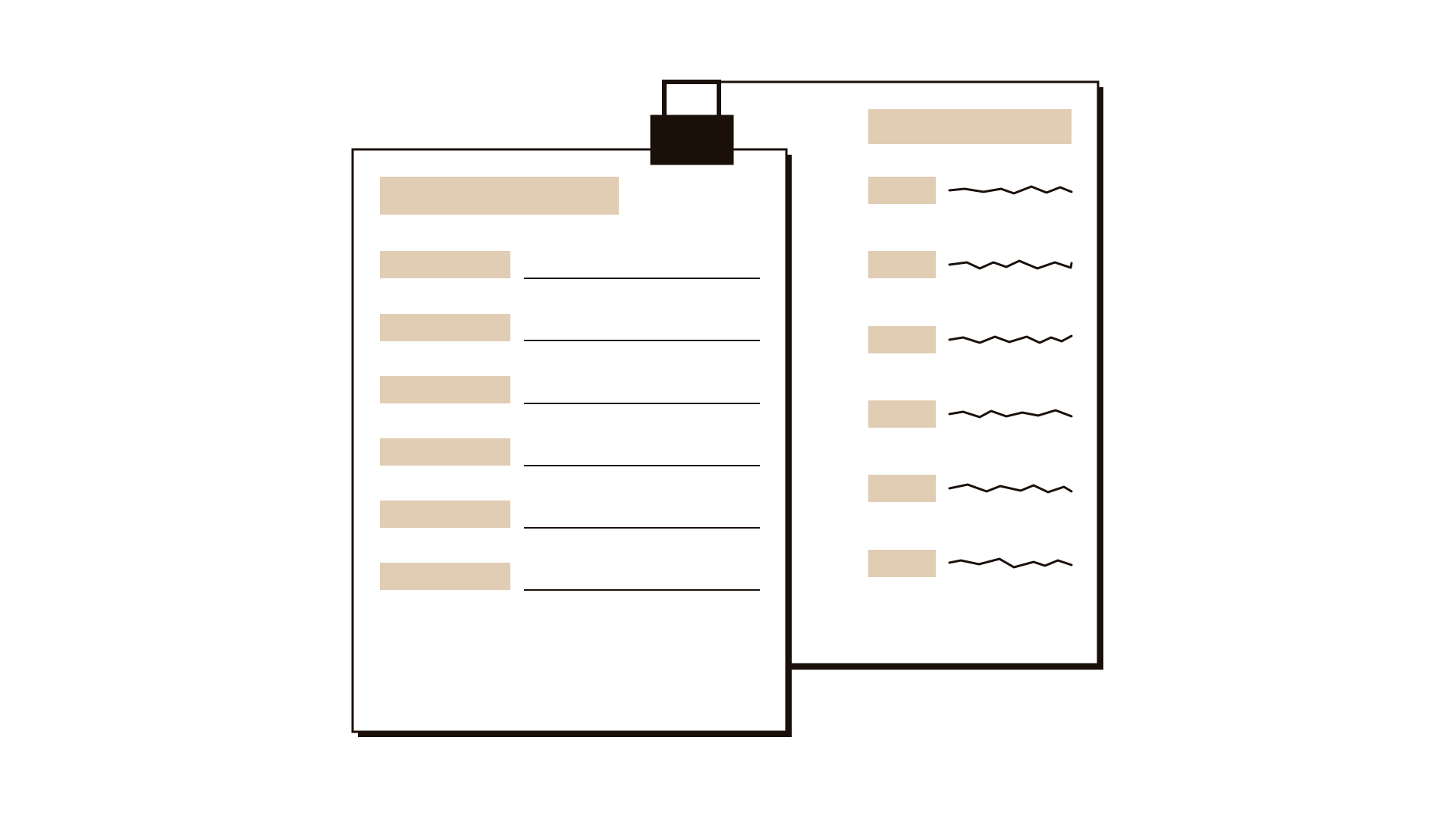
The worksheet your team fills in, one box per field.
- Step
- Decision
- Input
- Output
- Owner