
Failure modes analysis (FMEA)
Go step by step through a process, ask how each step could fail, agree what that would mean, and act before it happens.
- Time
- 60 min
- People
- 4–8
- Kind of work
- Test · Plan

In short
Failure modes analysis, often called FMEA, is a structured way to find how a process, product or service could fail before it does. To run it, a team takes each step, lists plausible failure modes and their effects, rates severity, likelihood and detection on agreed scales, and plans prevention, keeping severe risks in view even when they are rare.
What it is
Failure mode and effects analysis was developed in engineering in the mid-twentieth century and is now used in healthcare, manufacturing, finance and public services. It asks three questions for every step of a process: what could go wrong, what would happen if it did, and how likely are we to catch it before it reaches the user?
The method is careful rather than creative. It works through a process systematically, so problems are found in places nobody thought to look. Ratings help a team decide where to act first, but they are a guide for discussion, not a formula that decides for you. A failure that is rare but catastrophic deserves action even if its combined rating looks modest.
When to use it
Use it when
- You are about to launch a new service or a major change to an existing one.
- A process handles something where errors are serious, such as medicines, payments or personal data.
- You have mapped a process and want to see where it is fragile.
- A recent incident made you wonder what else could fail in the same process.
- You need a clear record of the risks considered and the actions taken.
Skip it when
- The process is not mapped yet; draw a process flowchart first.
- You need a quick, imaginative look at what might sink a project; a premortem is lighter.
- The team cannot agree on the steps, so failures would be guesses about different processes.
You need
- Time
- 60 minutes for a focused process of 6 to 10 steps; longer processes need more than one session.
- People
- 4–8 people who know the process well, including someone who handles errors when they happen.
- Materials
- A process map, a worksheet with columns for step, failure mode, effect, severity, likelihood, detection and action, and agreed 1–5 rating scales.
How to run it
Step 1: Choose the process and steps
Pick one process and list its steps from an existing map. Keep it to about 6 to 10 steps for one session. Write them down the left side of the worksheet.
Step 2: Agree the rating scales
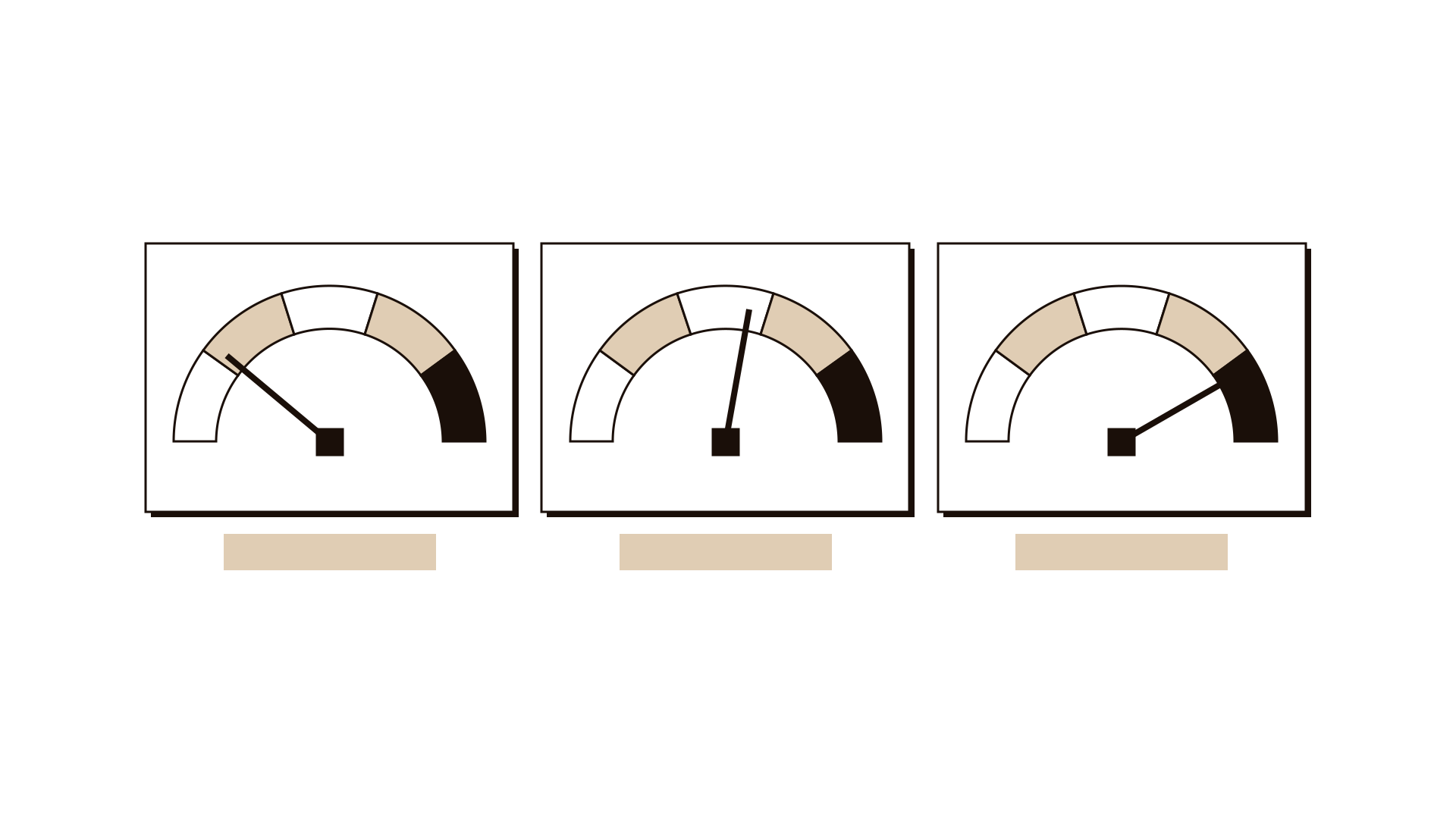
Before rating anything, agree what 1 and 5 mean for severity, likelihood and detection. Write examples, such as severity 5 means harm to a patient. Shared scales prevent long debates later.
Step 3: List failure modes per step
For each step, ask how it could fail. Wrong item, missed step, delay, wrong person, system down. Aim for two or three plausible failure modes per step.
Step 4: Describe the effect
For each failure mode, write what happens to the user or the next step if it occurs. Be concrete, such as patient receives the wrong dose.
Step 5: Rate severity, likelihood and detection
Rate each failure on the three scales. Detection is reversed: a 5 means it is hard to catch before it reaches the user. Use evidence such as incident logs where you have it.
Step 6: Prioritise prevention
Sort by the combined picture, but read severity on its own too. Any failure with severity 5 gets an action, however rare. Then pick the next few with high likelihood or poor detection.
Step 7: Plan and assign actions
For each priority, write an action that prevents the failure or catches it sooner. Give it an owner role and a date. Plan to re-rate after the action is in place.
Worked example
A hospital pharmacy team was introducing a new process for preparing medicines for discharge.
Six people met, including two pharmacists, a nurse, a pharmacy technician and an incident lead. They used the 8-step process map drawn the week before.
They agreed the scales first. Severity 5 meant serious harm to a patient. Detection 5 meant the error would reach the patient with no check in between.
At the labelling step, one failure mode was a label printed for the wrong patient when two discharges were prepared together. The effect was a patient taking another person's medicine. Severity 5, likelihood 2, detection 4.
At the counselling step, the failure was the patient leaving before counselling because transport had arrived. Severity 3, likelihood 4, detection 2.
The team acted on both. They added a rule of one discharge on the bench at a time, with a name check against the wristband, and arranged for counselling to happen before transport was booked. They agreed to re-rate both after one month.
IllustrativeTips and mistakes
Tips
- Agree the scales with written examples before rating; this saves the most time.
- Invite whoever deals with errors today; they know which failures really happen.
- Keep each failure mode specific to one step.
- Always look at severity alone, not only the combined rating.
- Re-rate after actions are in place to confirm they worked.
Common mistakes
- Letting a multiplied rating decide everything, so rare but severe risks are ignored.
- Listing every imaginable failure instead of plausible ones.
- Running the analysis once and never revisiting it after changes.
- Writing actions like be more careful, which change nothing.
What you walk away with
You leave with a worksheet listing plausible failures for each step, their effects and ratings, and a short set of owned prevention actions with dates. Use a rollout checklist to make sure the actions are in place before launch, or a premortem to add a broader look at what could go wrong with the whole change.
Questions people ask
How long does an FMEA take?
About 60 minutes for a process of 6 to 10 steps with a prepared map. Larger processes are best split across several shorter sessions.
FMEA vs premortem: what is the difference?
A premortem imagines a project has failed and asks why, in a quick and open way. FMEA works through each step of a process systematically and rates each failure. They work well together.
Do we have to multiply the three ratings?
Many teams multiply them into one priority number, but it can hide severe, rare failures. Use it as a guide, and always act on anything with the highest severity.
Tool card
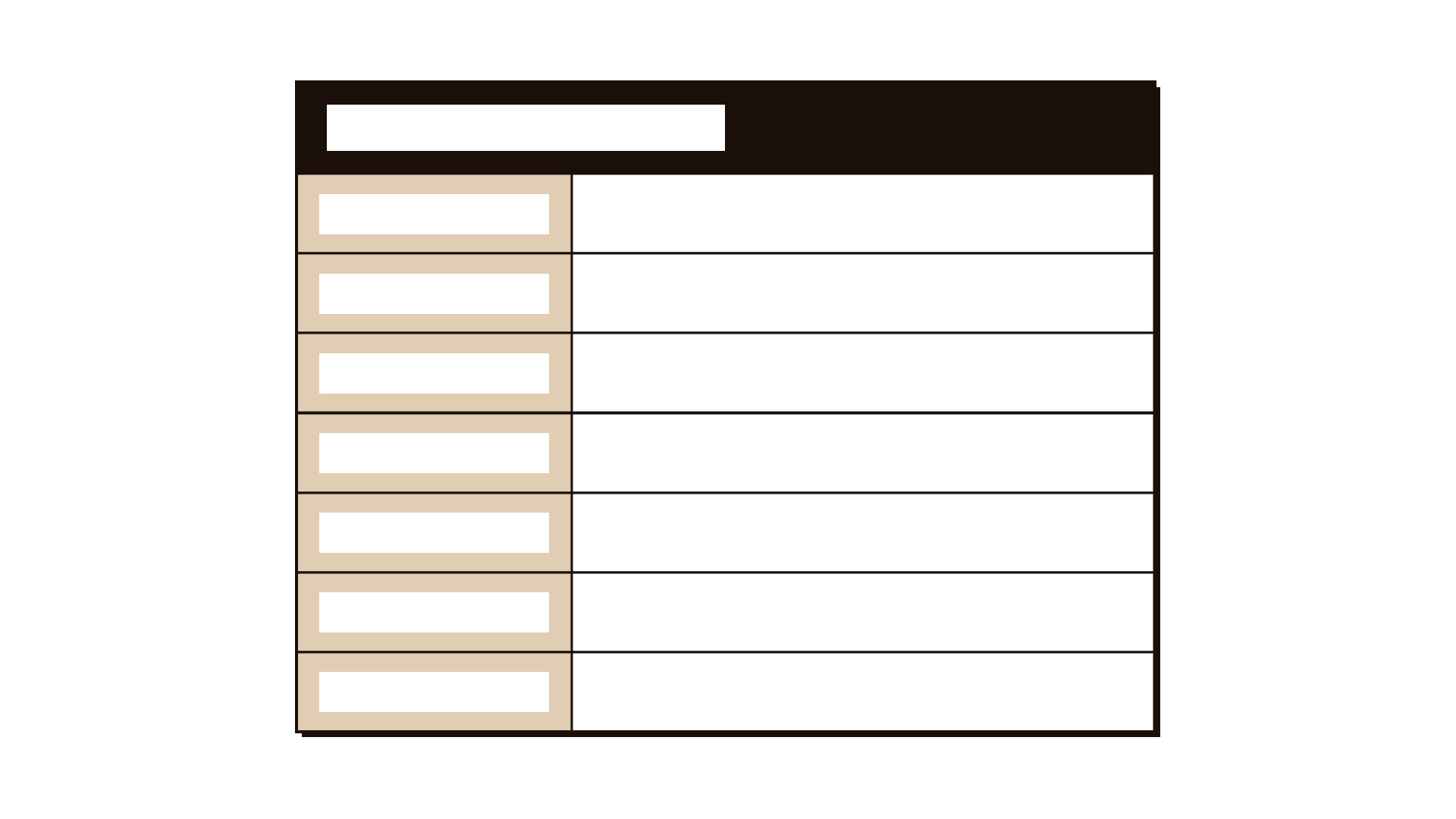
The worksheet your team fills in, one box per field.
- Step
- Failure mode
- Effect
- Severity
- Likelihood
- Detection
- Action