
Weighted decision matrix (weighted scoring model)
Agree what matters before you look at the options, then let the evidence do the arguing.
- Time
- 45 min
- People
- 4–7
- Kind of work
- Choose

In short
A weighted decision matrix compares a few options against criteria the team agrees in advance. Each criterion gets a weight that reflects its importance. You rate every option on each criterion using evidence, multiply by the weight and add up the totals. Then you test whether the winner changes when the weights shift. It takes about 45 minutes.
What it is
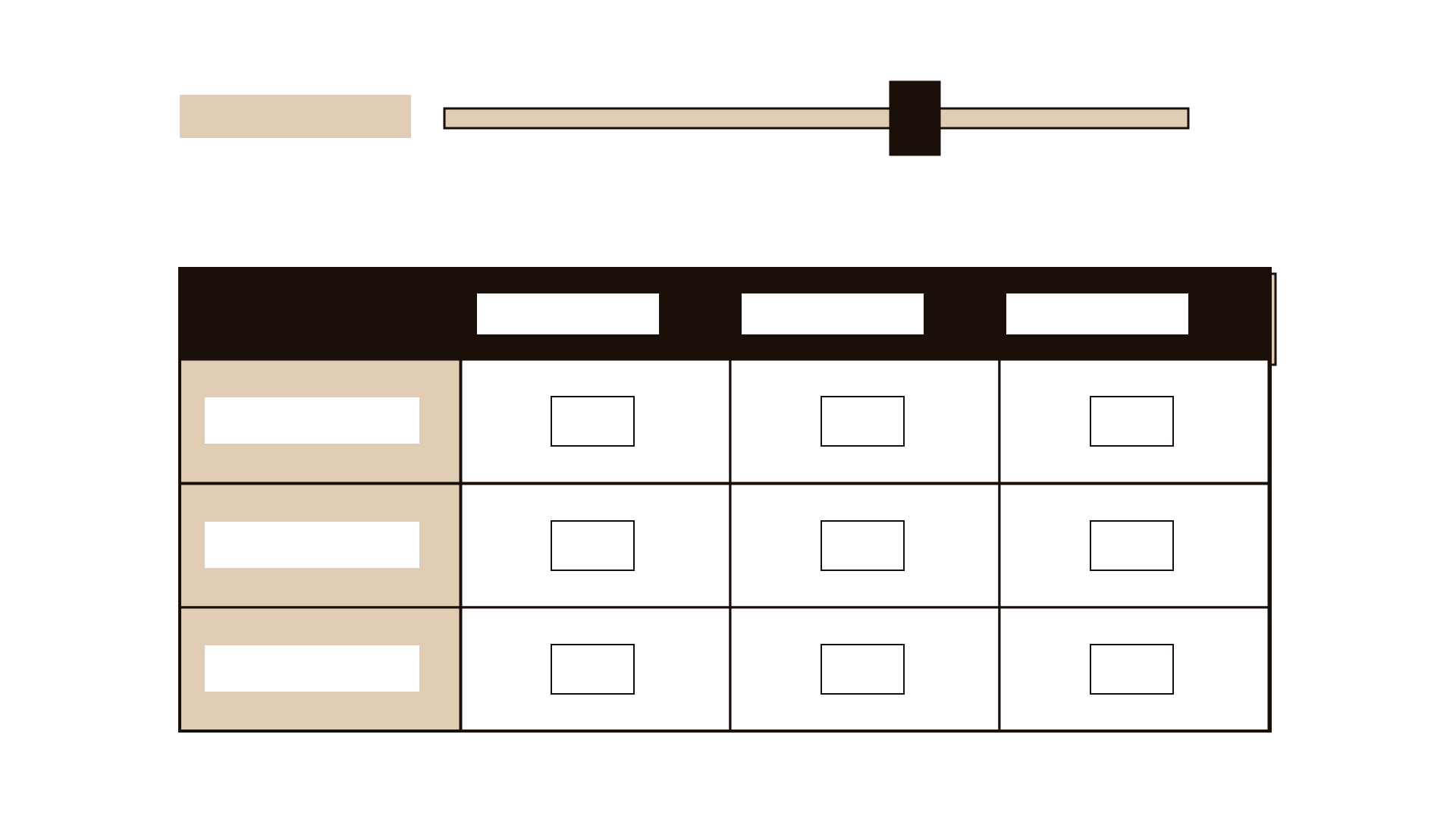
A weighted decision matrix is a table. Options run down the side, criteria run across the top, and each criterion carries a weight. The team rates every option on every criterion, usually from 1 to 5, and writes down the evidence for each rating. Multiply each rating by its weight, add across the row, and you have a total for each option.
The real value is in the order of work. You agree the criteria and weights before anyone looks at the options in detail, so people cannot quietly tune the criteria to favour a pet idea. Writing the evidence beside each rating turns opinions into claims you can check. Testing the weights afterwards shows whether your answer is solid or depends on one contested judgment. The method is widely taught in quality management and is sometimes linked to Stuart Pugh's concept selection work.
When to use it
Use it when
- You have 2 to 6 serious options and the choice carries real cost, risk or public impact.
- Several teams have different priorities and you need a shared, visible basis for the decision.
- You will need to explain the decision later to leaders, auditors or the public.
- Choosing between suppliers, systems, pilot locations or service designs.
Skip it when
- You have 20 rough ideas. Narrow them first with dot voting or an impact-effort matrix.
- One criterion is a hard rule, such as a legal requirement. Screen out options that fail it before using the matrix.
- The options are too vague to rate. Develop them first.
You need
- Time
- 45 minutes for 3 to 4 options and 5 to 6 criteria; longer if evidence must be gathered
- People
- 4 to 7 people who understand the options and the needs, plus the decision owner
- Materials
- A large table on a wall or a shared spreadsheet, the options described in one paragraph each, the evidence you already hold
How to run it
Step 1: Screen out options that break a hard rule
List any must-have conditions: legal limits, budget ceilings, data residency, safety. Remove options that fail any of them. Do not put hard rules into the weighted criteria, because a high total could hide a fatal flaw.
Step 2: Agree 4 to 7 criteria
Ask: 'What would a good choice achieve?' Turn the answers into criteria such as time to deliver, cost over three years, effect on user waiting time, staff effort. Make each criterion measurable or at least describable. Remove overlaps, because two criteria that mean the same thing double-count.
Step 3: Set the weights before you look at options
Give the group 100 points to share across the criteria. Discuss until the split feels right to the owner. Write the weights down and do not change them during rating. This is the most important step, so give it at least 10 minutes.
Step 4: Define what each rating means
For each criterion, write what a 1, a 3 and a 5 look like. For cost: 1 is over budget, 3 is within budget, 5 is well under. Shared definitions stop people using the scale differently.
Step 5: Rate each option with evidence
Go criterion by criterion, not option by option, so you compare like with like. For each rating, write one line of evidence: a quote, a figure, a test result. Where you have no evidence, mark the rating as an assumption.

Step 6: Calculate and look at the totals
Multiply each rating by its weight and add across. Read the totals aloud. Look for options that win on one criterion but lose badly on another. Those trade-offs matter more than the final number.
Step 7: Test the weights
Change the two most debated weights by 10 points each way and recalculate. If the leader stays the same, your choice is robust. If the order flips, the decision rests on that judgment, and the owner should make it openly. Record the result on the worksheet.
Worked example
A national archive receives growing requests for copies of old records. It must choose between three options: scan the most requested collections, add more staff to the reading room, or partner with a university to digitise on demand. Six people from records, IT, finance and customer service meet with the director.
First they screen. All options must keep original records on site. The university option would move some boxes off site, so it is changed to an on-site version before going further.
They agree five criteria and weights: time for a citizen to receive a copy (30), three-year cost (25), risk to fragile records (20), staff effort (15), and reuse for future requests (10).
Rating with evidence, scanning gets a 5 on reuse because 60% of last year's requests came from just 12 collections. The reading-room option gets a 2 on time, because the current wait is 18 working days and extra staff would only cut it to about 12. The university partnership gets a 3 on cost, marked as an assumption because the price is not confirmed.
Totals: scanning 4.1, university 3.6, reading room 2.9 (weighted average out of 5). When the team moves 10 points from time to cost, scanning still leads. The director chooses scanning for the 12 busiest collections and asks finance to confirm the university price before the next budget round.
IllustrativeTips and mistakes
Tips
- Keep the number of criteria small. Beyond seven, each weight becomes tiny and the totals blur together.
- Ask a person who does not favour any option to read the evidence lines aloud.
- Show the totals as a range when key ratings are assumptions.
- Keep the completed matrix. It is the clearest record of why you chose what you chose.
Common mistakes
- Setting or adjusting the weights after seeing which option wins.
- Rating without evidence, which turns the table into a show of preferences with arithmetic on top.
- Treating a small difference in totals, such as 3.8 against 3.7, as a clear win.
- Using the matrix to rate people, teams or suppliers' staff. Use it for options only.
What you walk away with
You leave with a completed table showing the options, criteria, weights, ratings and the evidence behind each one, plus a note on how sensitive the result is to the weights. The owner has a decision that others can follow and challenge. Before you commit, run a premortem on the chosen option to find what could make it fail, and use an impact-effort matrix if you need to order the work that follows.
Questions people ask
How many criteria should a decision matrix have?
Between four and seven works for most decisions. Fewer than four rarely captures the trade-offs; more than seven makes each weight so small that the matrix stops telling you much.
What scale should we use?
A 1 to 5 scale is enough for most teams, as long as you define what each end means for every criterion. Wider scales, such as 1 to 10, invite false precision.
What if the matrix result feels wrong?
Treat that feeling as information. Usually a criterion is missing, a weight does not reflect what people really value, or a rating lacks evidence. Find which one, fix it openly, and record the change.
Tool card
The worksheet your team fills in, one box per field.
- Option
- Criterion
- Weight
- Rating
- Evidence