
SCAMPER technique
Take a service you already run and try seven kinds of change on it, one at a time.
- Time
- 40 min
- People
- 3–6
- Kind of work
- Generate

In short
SCAMPER is an idea technique that applies seven prompts to something that already exists: Substitute, Combine, Adapt, Modify, Put to another use, Eliminate and Reverse. You choose a current service, map its steps, work through each prompt in turn, and record each useful change along with the assumption it depends on. A session takes about 40 minutes.
What it is
Many improvement ideas come from changing something that is already there. SCAMPER gives that habit a structure. Each letter is a different kind of question to ask of a service, product or process. What could we swap? What could we join together? What could we borrow from elsewhere? What could be bigger, smaller or faster? What else could this be used for? What could we remove? What if we did it the other way round?
The method is useful because blank-page creativity is hard. A concrete starting point and a short list of prompts make it easier for any team to produce ideas, including people who say they are not creative. The acronym is widely credited to Bob Eberle, building on earlier checklists by Alex Osborn. This worksheet records four fields for each idea: the prompt that produced it, the change, the expected benefit, and the assumption the change depends on.
When to use it
Use it when
- You want to improve a service that already exists, not invent a new one.
- A team is stuck and needs a structured way to produce ideas.
- You have an experience map or service blueprint and want to rethink individual steps.
- You need a mix of small tweaks and bolder changes in one session.
- Participants are new to idea generation and benefit from clear prompts.
Skip it when
- There is no current service to work from. Start from a how might we question with brainwriting or Crazy 8s instead.
- You do not yet know what problem users have with the service. Do some research first.
- The change needed is already clear and only needs delivery planning.
You need
- Time
- About 40 minutes for one service, roughly five minutes per prompt plus setup and review.
- People
- 3 to 6 people, including at least one who works on the service every day.
- Materials
- The current service drawn as a row of steps, seven prompt cards, sticky notes and markers.
How to run it
Step 1: Choose one current service
Pick a specific service or part of one, such as "booking a home visit" or "renewing a licence". Keep the scope small enough to draw on one wall. Agree who it is for and what problem you want to ease.

Step 2: Draw the steps as they are today
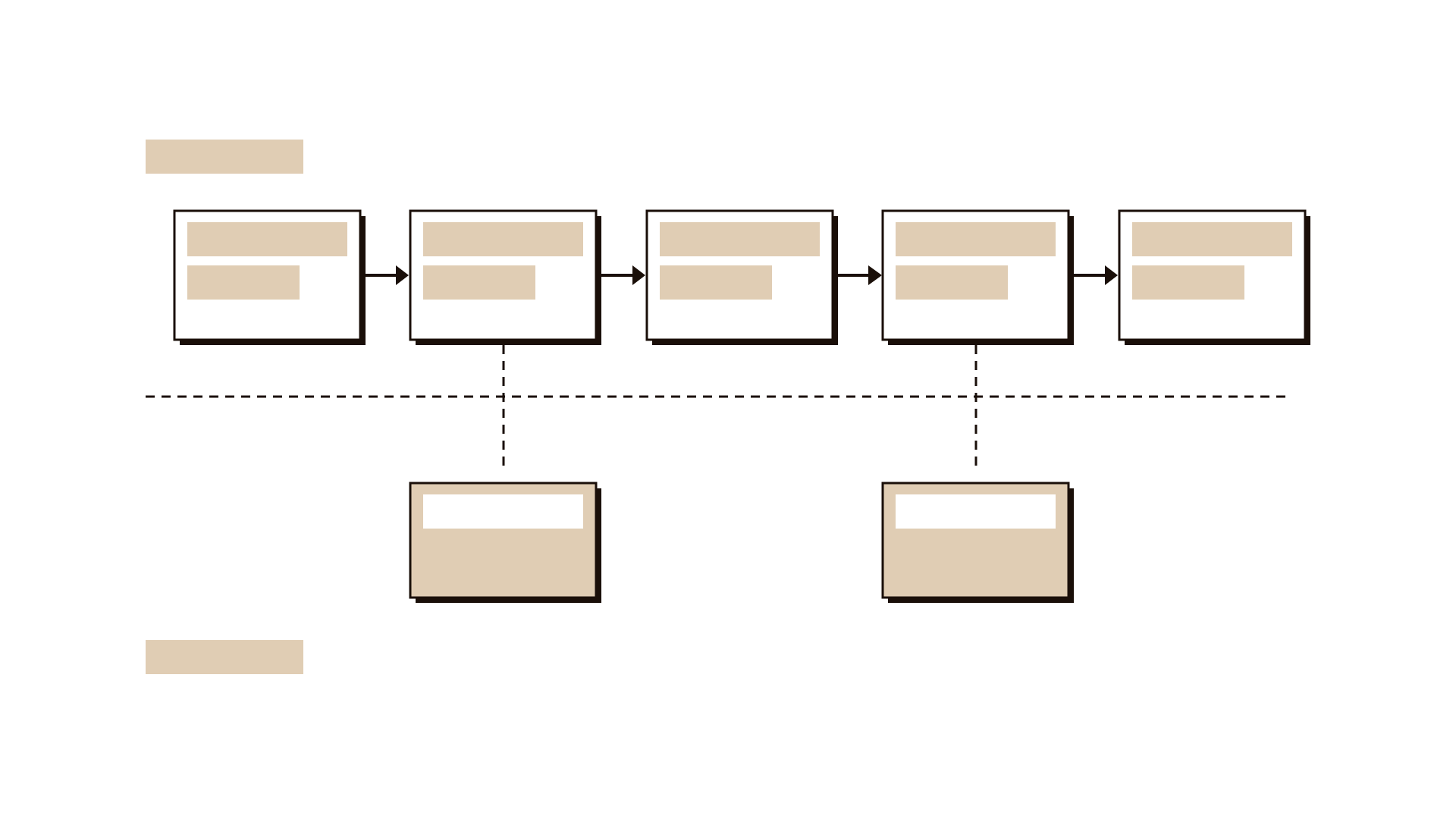
Sketch the service as a row of five to ten steps from the user's point of view. Add what staff do behind each step if it helps. This gives the prompts something concrete to act on.
Step 3: Work through the seven prompts
Take one prompt at a time and spend about four minutes on it. Read the prompt aloud, point at the steps and ask people to write ideas on sticky notes. Substitute: what could we replace? Combine: which steps or services could join? Adapt: what could we borrow from another sector? Modify: what could be larger, smaller, faster or simpler? Put to another use: what else could this step or asset do? Eliminate: what could we remove entirely? Reverse: what if the order or roles were flipped?
Step 4: Place ideas on the steps
As people finish each prompt, stick their notes on the step they change. You will soon see which steps attract many ideas and which attract none.
Step 5: Pick the useful changes
Read through all the notes. Ask the group to mark changes that would help users noticeably and seem possible within existing rules. Keep bold ideas visible even if they seem hard.
Step 6: Write the benefit and the assumption
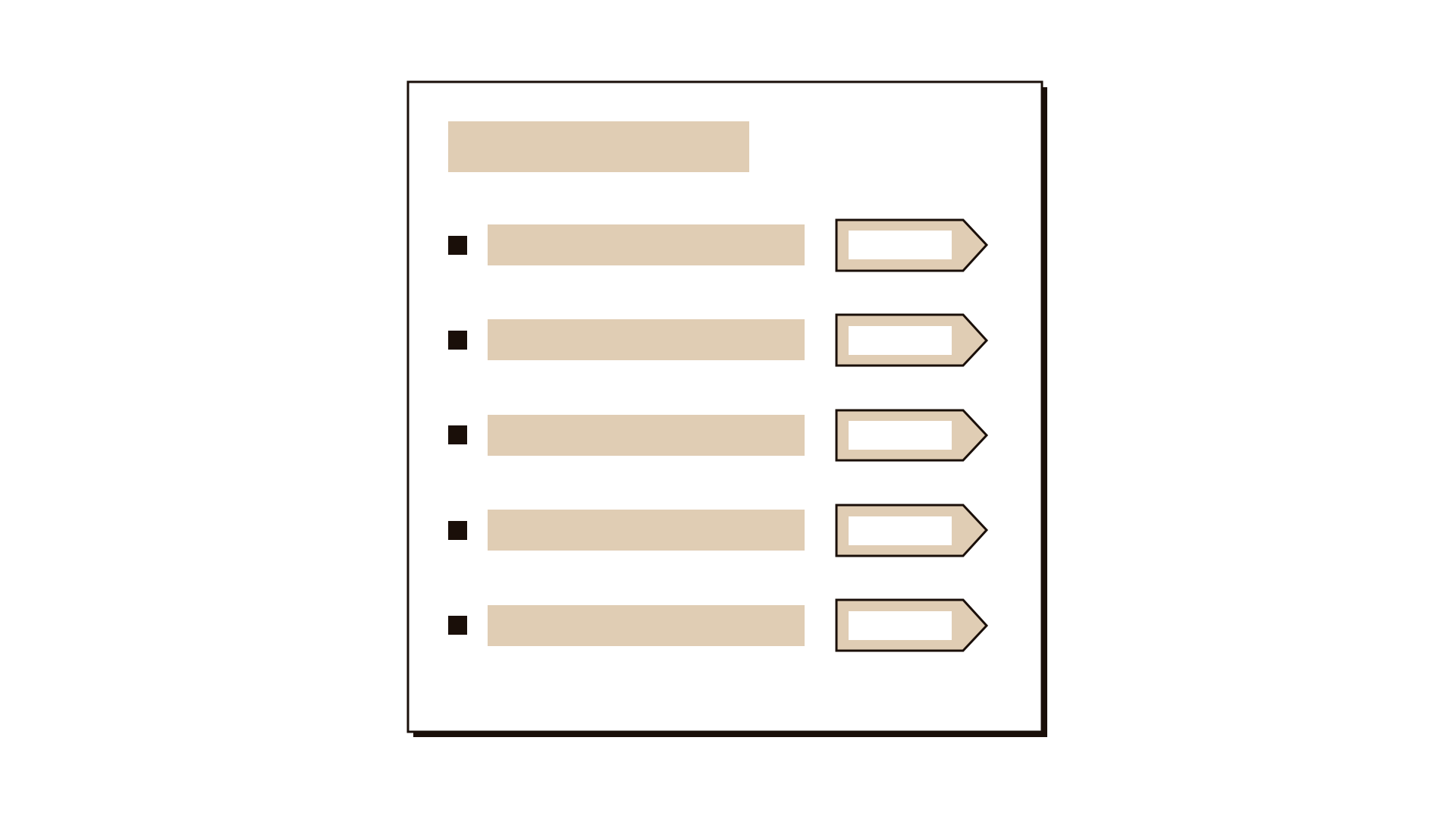
For each marked change, fill in the worksheet: the prompt, the change, the benefit you expect and the assumption it relies on. "Users would accept an evening slot" is an assumption. Writing it down tells you what to check.
Step 7: Decide what to check next
Agree which two or three changes to explore further, and how you will check the assumptions behind them, whether by asking users, looking at data or running a small trial.
Worked example
A regional health authority ran a home care visit service for patients leaving hospital. Booking a first visit involved a phone call, a form, a callback and a confirmation letter, and on average took four days.
Five people met for 40 minutes: a booking coordinator, two community nurses, a discharge planner and a digital officer. They drew seven steps from discharge to first visit.
Substitute produced "replace the confirmation letter with a text message showing the nurse's name and time". Combine produced "book the first visit during the discharge meeting, before the patient leaves the ward".
Adapt borrowed from parcel delivery: "send a message when the nurse is 30 minutes away". Eliminate questioned the callback step, which existed only to confirm details already on the discharge form.
Reverse produced the boldest idea: "let the patient's family choose a time slot from the nurses' calendar instead of the office assigning one".
The team marked four changes. For combining the booking with the discharge meeting, they wrote the assumption "discharge planners have access to the nurses' calendar" and agreed to check it with the scheduling team that week.
IllustrativeTips and mistakes
Tips
- Keep each prompt short and timed. Spending too long on one letter drains energy for the rest.
- Start with Eliminate if the team is tired. Removing steps is often easier to imagine than adding them.
- Allow silly ideas. A ridiculous reversal often leads to a sensible one.
- Look at steps with no ideas at all. They may be the ones nobody questions.
Common mistakes
- Treating SCAMPER as seven boxes to fill rather than seven ways to look at the service.
- Working on the service in general instead of on specific steps.
- Forgetting to write the assumption, so the team starts building ideas that rest on guesses.
- Spending the whole session on the first two prompts.
What you walk away with
The team leaves with a service map covered in specific changes, a short list of the most useful ones, and the assumption behind each one written down. The next step is to sort and check them. An impact effort matrix helps you choose which changes to pursue, and assumption mapping helps you decide which beliefs to test first.
Questions people ask
What does SCAMPER stand for?
Substitute, Combine, Adapt, Modify (sometimes Magnify or Minify), Put to another use, Eliminate and Reverse (sometimes Rearrange). Each is a prompt for changing something that already exists.
How long does a SCAMPER session take?
About 40 minutes for one service with a small group: a few minutes to set up, four to five minutes per prompt, and ten minutes to review and record.
Do we have to use all seven prompts?
No. If time is short, choose the three or four that fit the service best. Eliminate and Combine are often the most productive for public services with many handoffs.
Tool card
The worksheet your team fills in, one box per field.
- Prompt
- Change
- Expected benefit
- Assumption