
Stop doing list
Make room for what matters by deciding, out loud and on paper, what the team will no longer do.
- Time
- 30 min
- People
- 4–8
- Kind of work
- Choose · Plan

In short
A stop doing list is a short, agreed list of activities a team will stop, reduce or hand over to free capacity. For each activity you write the reason, the consequence of stopping, who has the authority to decide, and when you will review the effect. A first session takes about 30 minutes.
What it is
Teams add work all the time and remove it almost never. A weekly report is started for one manager who has since moved on. A manual check continues years after the system began doing the same check automatically. Each activity looks small, but together they can take a day a week from every person.
A stop doing list makes removal a normal part of planning. The team names the activities that compete for its time, compares what each one actually contributes, and decides what to stop. It is careful work, not a purge. Some activities exist for good reasons that are not obvious, so every decision records what must be protected and who has the right to make the call.
When to use it
Use it when
- When a team is asked to take on new work and has no spare capacity.
- At the start of a planning cycle, before adding new priorities.
- After a system or process change that may have made some manual work unnecessary.
- When staff say they spend more time reporting on work than doing it.
Skip it when
- When the work in question is a legal or safety requirement. Raise it with the people who own that requirement instead.
- As a way to cut individual roles. The list is about activities, never about people.
You need
- Time
- 30 minutes, plus 10 minutes beforehand for each person to note where their week goes.
- People
- 4 to 8 people who do the work, plus someone with authority to agree changes or the name of who has it.
- Materials
- Sticky notes, a board with five columns matching the worksheet, and any simple record of time spent if you have one.
How to run it
Step 1: Name the work competing for capacity
Ask everyone to write, one per note, the regular activities that take their time: reports, meetings, checks, data entry. Give 5 minutes. Collect all notes and merge duplicates.
Step 2: Estimate the time
Next to each activity, write roughly how many hours a month it takes across the team. Precision is not needed. A rough figure is enough to see where the big items are.
Step 3: Compare the contribution
For each activity, ask: who uses the result, and what would happen if it stopped tomorrow? Mark items where nobody can name a current user, or where the answer is probably nothing.
Step 4: Write reason and consequence
For each candidate, write why you would stop it and the likely consequence. Be honest about risks. If stopping a report means a manager loses visibility, write that down.
Step 5: Record who may decide and what to protect
Write the role that has the authority to stop each activity. If that role is not in the room, the decision becomes a proposal to them. Note anything that must be kept, such as a figure a regulator needs.
Step 6: Set a review
Agree a date, often 6 to 8 weeks out, to check what happened after stopping. If something important was lost, restore a lighter version. Keep the list and add to it next cycle.
Worked example
The claims team at a motor insurer had been asked to add a new fast-track service without new staff. Eight people spent 30 minutes on a stop doing list, with the claims manager present.
The team listed 19 regular activities. The largest was a printed weekly summary report of open claims, which took about 12 hours a month to prepare.
When asked who used the report, the group found that the manager who had requested it now relied on the live case report in the claims system. Nobody else read the printed copy.
A second item was a manual double check on small glass claims, which took 8 hours a month. The system already flagged unusual glass claims automatically. The team proposed stopping the manual check for claims under a set amount.
For the summary report, the claims manager agreed to stop it on the spot. For the glass check, the decision belonged to the head of fraud, so the team wrote a one-page proposal and protected one condition: the automatic flags would be reviewed monthly.
Together the two changes freed about 20 hours a month. The team set a review for seven weeks later to check whether any problems appeared.
IllustrativeTips and mistakes
Tips
- Start with reports and meetings. They are usually the easiest to change and the most common sources of hidden effort.
- Try reduce or simplify before stop. A monthly version of a weekly report often keeps the value at a quarter of the cost.
- Tell the people who receive the output before you stop. Silence creates distrust.
- Keep the list visible after the session, so new requests can be weighed against it.
Common mistakes
- Listing other teams' work rather than your own.
- Stopping something without asking who uses it, then rushing to restore it.
- Recording a decision without the person who has the authority to make it.
- Never reviewing the effect, so the team cannot learn which cuts were safe.
What you walk away with
You leave with a short list of activities to stop, reduce or hand over, each with a reason, a consequence, a decision owner, protections and a review date, and a rough figure for the capacity released. Use a RACI to confirm who decides on activities that cross teams, and a stakeholder communication plan to tell the people affected.
Questions people ask
How do you decide what to stop doing?
Look for activities with high time cost and low contribution. Ask who uses the output and what would happen if it stopped. Items with no current user, or that duplicate a system, are the strongest candidates.
Who should approve a stop doing list?
Whoever has the authority over each activity. Some can be stopped by the team itself. Others belong to a manager or another unit, and the list then becomes a proposal to them.
How often should a team review its stop doing list?
At each planning cycle, and whenever new work is added. A short review after 6 to 8 weeks checks whether stopping caused problems.
Tool card
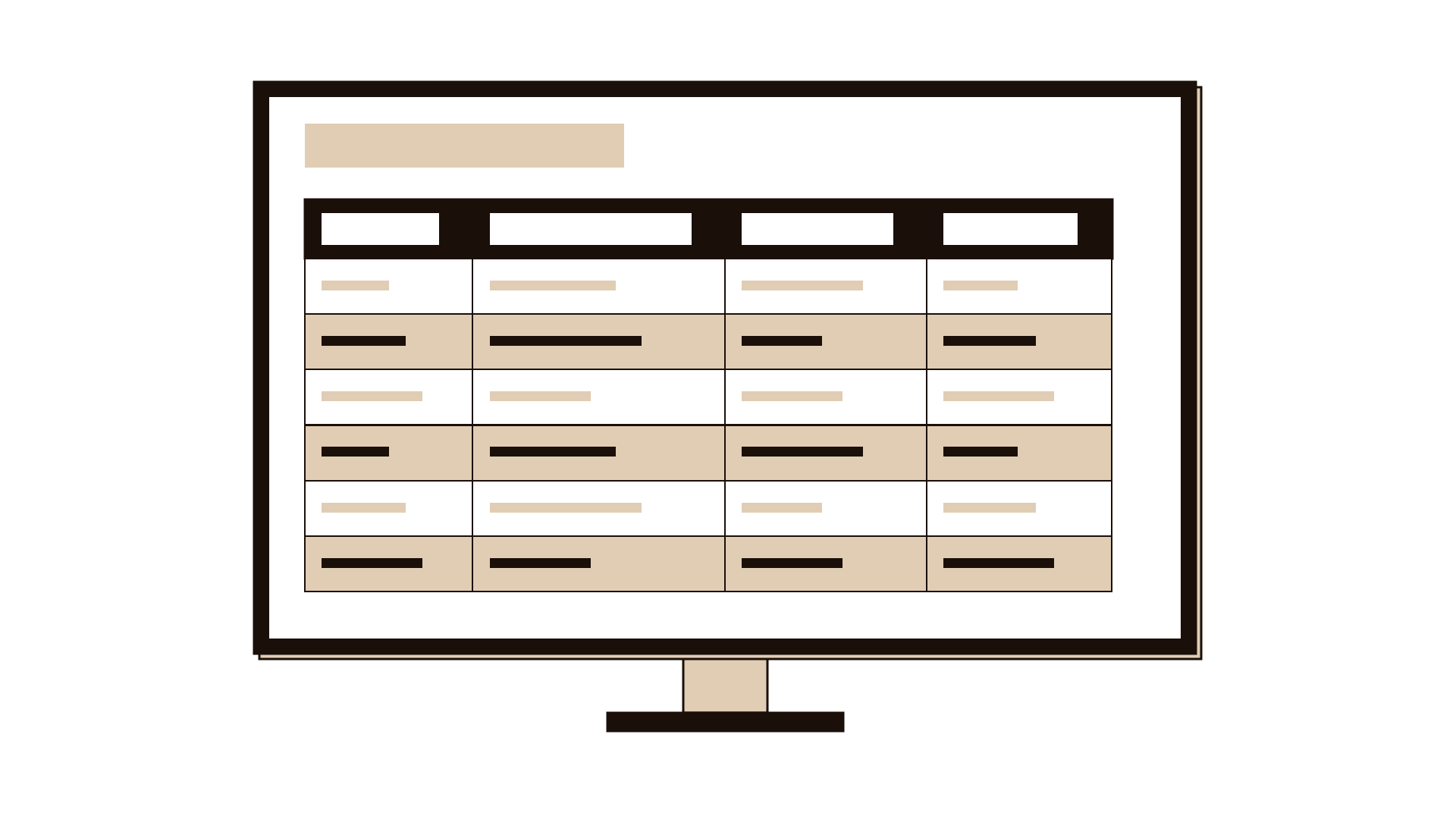
The worksheet your team fills in, one box per field.
- Activity
- Reason
- Consequence
- Decision owner
- Review