
Card sorting
Write one item per card, let people group them without any hints, then compare their labels and disagreements to see how they expect things to be organised.
- Time
- 45 min
- People
- 3–15
- Kind of work
- Understand · Frame

In short
Card sorting is a research method in which participants group a set of items, each written on its own card, into piles that make sense to them, and then name each pile. Run it with 3 to 15 people for about 45 minutes each. Comparing their groups shows how users expect services or content to be organised.
What it is
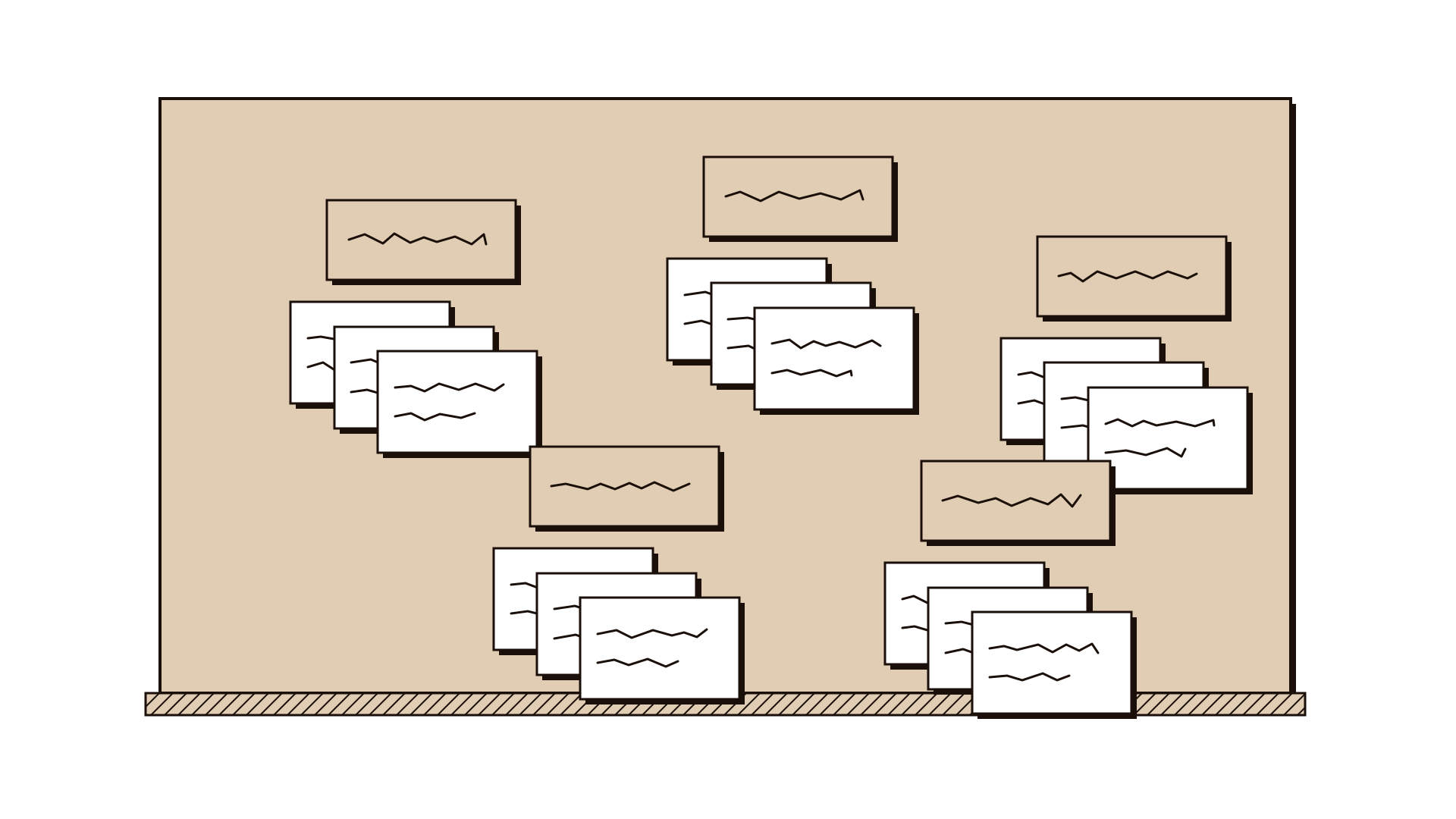
Card sorting is a simple way to find out how people mentally organise a set of things. You write each item, such as a service, a page or a form, on its own card. A participant sorts the cards into groups that feel right to them, then gives each group a name. You repeat this with several people and compare what they did.
Organisations tend to arrange their services the way their org chart is drawn: by department, directorate or system. The people using those services think in terms of their own tasks and life events. Card sorting makes that difference visible. Where most participants put two cards together, you have a strong grouping. Where they disagree, or leave cards aside as unclear, you have found a naming or structure problem worth fixing.
When to use it
Use it when
- Before you design or redesign a website menu, service catalogue or app navigation.
- When users complain they cannot find a service that does exist.
- When internal teams argue about where something belongs.
- When you merge two organisations or portals and need one structure.
- When you want to test whether your labels mean the same thing to users as they do to you.
Skip it when
- When there are fewer than about 15 items. People can scan a short list without structure.
- When the items are steps in a process. Sequence matters there, so map the experience instead.
- When you already have a structure and only want to know if people can find things in it. Run a findability test instead.
You need
- Time
- About 45 minutes per participant, plus two hours to compare results.
- People
- One facilitator and 3 to 15 participants, sorting one at a time or in small separate sessions.
- Materials
- 30 to 60 index cards with one item each, blank cards for group names, a large table, a camera or the four-field worksheet to record results.
How to run it
Step 1: Pick and write the items
List 30 to 60 items you want organised, such as the services on a municipal website. Write one item per card in plain words a user would recognise. Avoid internal codes and department names, which would hint at the answer.
Step 2: Choose open or closed sorting
In an open sort, participants create and name their own groups. In a closed sort, you provide the group names and they place cards under them. Start with open sorting when you are building a structure from scratch.
Step 3: Brief the participant without prompts
Explain that there are no right answers and you are testing the cards, not them. Ask them to group the cards in any way that makes sense and to put aside any card they do not understand. Then stop talking.
Step 4: Ask them to think aloud
Invite participants to say what they are thinking as they sort. Write down the Reason they give for tricky placements, such as I would look for this when I move house. These reasons often matter more than the groups.
Step 5: Name the groups
When sorting is done, give the participant blank cards to label each group in their own words. Do not suggest names. Photograph the table and record each Item, the group it went into and the participant group they belong to.
Step 6: Collect the unclear items
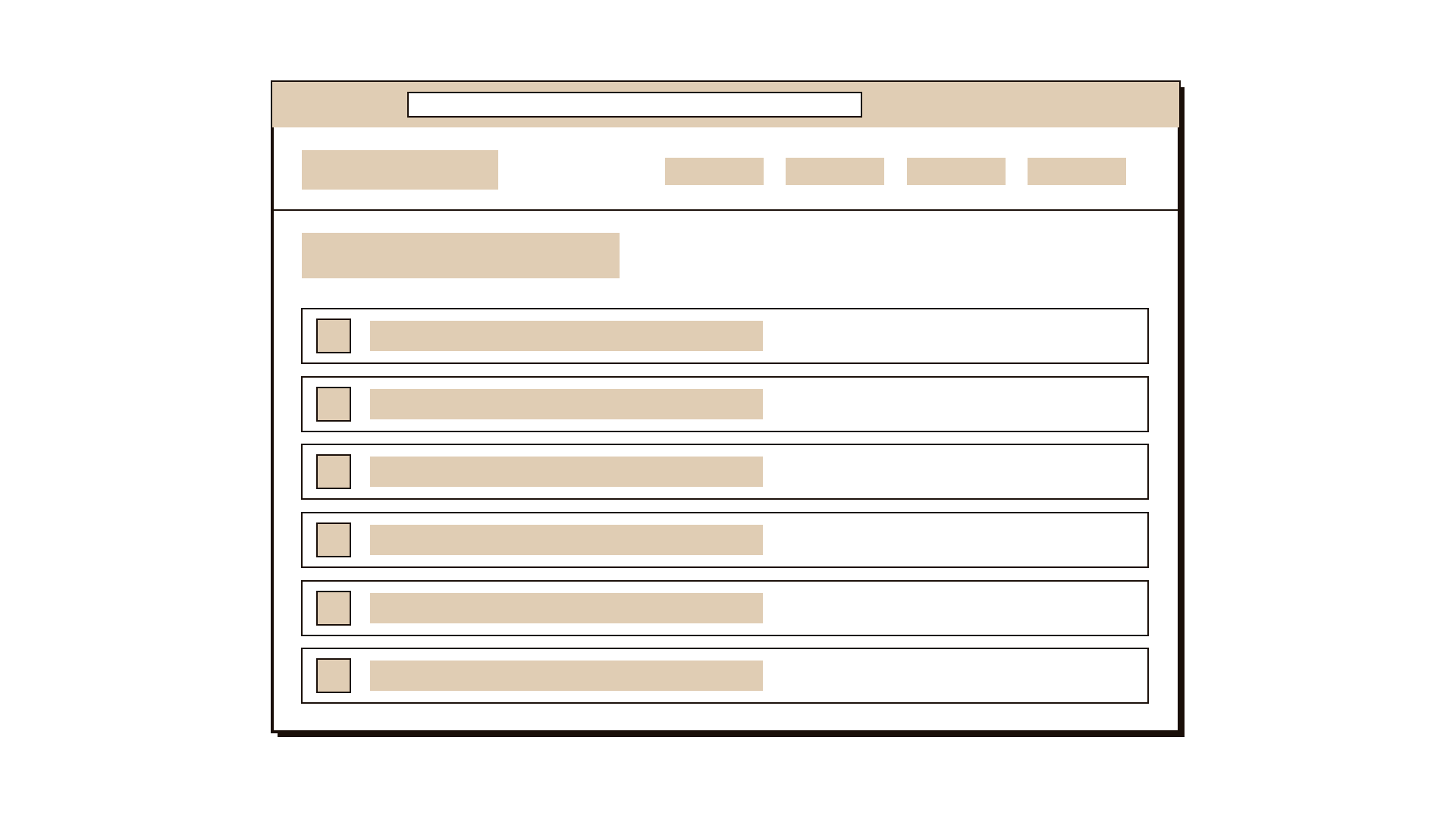
Every card that was set aside, moved several times or described with a question goes into Unclear items. These are your clearest signals about confusing labels.
Step 7: Compare across participants
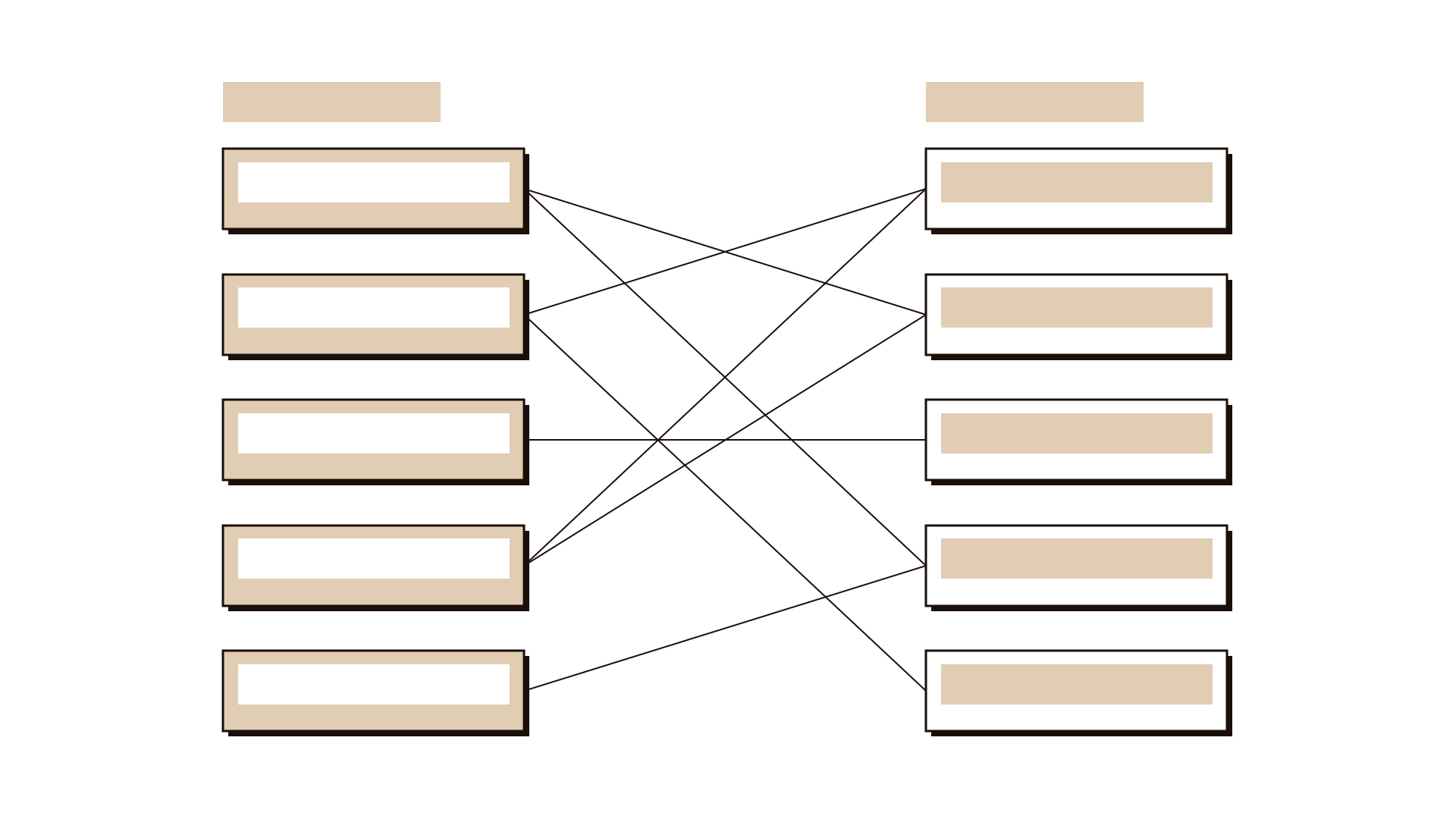
Put all results in one table. Look for items that most people grouped together, labels that several people used, and items that ended up in very different places. Disagreement is a finding, not noise.
Worked example
A city municipality's website lists 48 services under seven department headings. Call centre logs show that a large share of calls are people asking where to find a service. The digital team runs an open card sort with 12 residents.
The team writes each service on a card in plain language: renew a shop licence, report a broken streetlight, book a wedding hall, request a building inspection, and so on. Department names are left off the cards.
Residents sort one at a time. Most create groups around life events such as moving home, running a business and my street. One resident puts report a broken streetlight and request a pest control visit together, explaining: both are things wrong near my house.
Nine of twelve residents set aside the card for certificate of completion. Several ask what it is. In the worksheet it goes under Unclear items, with their questions recorded word for word.
Comparing results, the team sees three strong groups that cut across four departments. They also have a list of six service names that most people did not understand. Both feed directly into a new menu and renamed service pages, which they will test before launch.
IllustrativeTips and mistakes
Tips
- Keep the number of cards manageable. Above 60, people tire and the last cards get sorted carelessly.
- Shuffle the cards for each participant so order does not shape the groups.
- Include people from different user groups, and record which group each participant belongs to.
- Listen to the reasons as closely as you watch the piles.
- Remote card sorting tools work well for larger numbers, but run a few in person first to hear people think.
Common mistakes
- Writing department names or system terms on the cards, which leads people straight to your current structure.
- Only counting which groups were most common and ignoring the unclear items.
- Running the sort with staff and treating their structure as the users' view.
- Jumping from one sort straight to a final menu without testing whether people can find things in it.
What you walk away with
You end with a record of how real users group your items, the names they give those groups, their reasons, and a clear list of items that confused them. That gives you the raw shape of a structure that fits how people think. Next, use affinity grouping with your team to consolidate the patterns into a draft structure, and check the draft against what you heard in stakeholder interviews.
Questions people ask
How many people do I need for a card sort?
For an in-person open sort, 5 to 15 participants usually shows the main patterns. If you use a remote tool and want firmer comparisons, aim for more, around 20 to 30.
What is the difference between open and closed card sorting?
In open sorting participants create and name their own groups, which helps you discover a structure. In closed sorting you give them the groups, which helps you check whether an existing structure makes sense.
Card sorting vs affinity grouping?
Card sorting asks users to organise items so you learn their mental model. Affinity grouping is a team activity for clustering research notes to find patterns. You often use affinity grouping later to make sense of card sort results.
Tool card
The worksheet your team fills in, one box per field.
- Item
- Participant group
- Reason
- Unclear items