
Business Model Canvas
Describe on one page who a service is for, what it gives them, what it takes to run and how it is paid for.
- Time
- 60 min
- People
- 3–6
- Kind of work
- Frame · Plan

In short
The Business Model Canvas is a one-page tool that describes how an organisation or service creates, delivers and pays for value, in nine building blocks. To run it, fill in customer segments and value propositions first, then channels, relationships and revenue, then resources, activities, partners and costs, and finally check that the blocks support each other.
What it is
The Business Model Canvas breaks a business model into nine building blocks: customer segments, value propositions, channels, customer relationships, revenue streams, key resources, key activities, key partnerships and cost structure. The right-hand blocks describe the people served and what reaches them. The left-hand blocks describe what the organisation must have and do to make that happen. Revenue and costs sit underneath, and together show whether the model can pay for itself. Seeing all nine on one page lets a team spot where a change in one block forces a change in another.
The canvas was created by Alexander Osterwalder and set out in the book Business Model Generation (2010), written with Yves Pigneur. The Business Model Canvas is by Strategyzer.com and is free to use under a Creative Commons licence with credit to Strategyzer.com. It was written for companies, but it works for public services if you read two blocks carefully. Customer segments should separate the people who use the service, the people who benefit and the people who pay, because in government these are often different. Revenue streams become funding sources: budget allocation, fees, fines, grants or cost recovery from other entities.
When to use it
Use it when
- You are designing a new service or entity and need to show leadership how it will work and be funded.
- An existing service is under budget pressure and you need to see which parts of the model drive cost.
- You are considering a new funding route, such as a fee, a partnership or a shared service with another entity.
- Two departments describe the same service differently and you want one shared picture.
- You are about to scale a tested pilot and need to check that resources, partners and funding can carry it.
Skip it when
- You do not yet know who the service is for or what problem it solves. Do research and framing first.
- You need a detailed financial forecast or a formal business case. The canvas is a summary, not a budget.
- The question is about one step in a person's journey. A journey map or a service blueprint will be more useful.
You need
- Time
- About 60 minutes for one model, and another 30 minutes if you draw a future version beside the current one.
- People
- 3 to 6 people who between them know the users, the operations and the budget, such as a service owner, an operations lead and a finance colleague.
- Materials
- The canvas printed large or on a shared board, sticky notes in two colours (one for today, one for the future), markers and any facts you have on users, volumes and costs.
How to run it
Step 1: Agree the scope
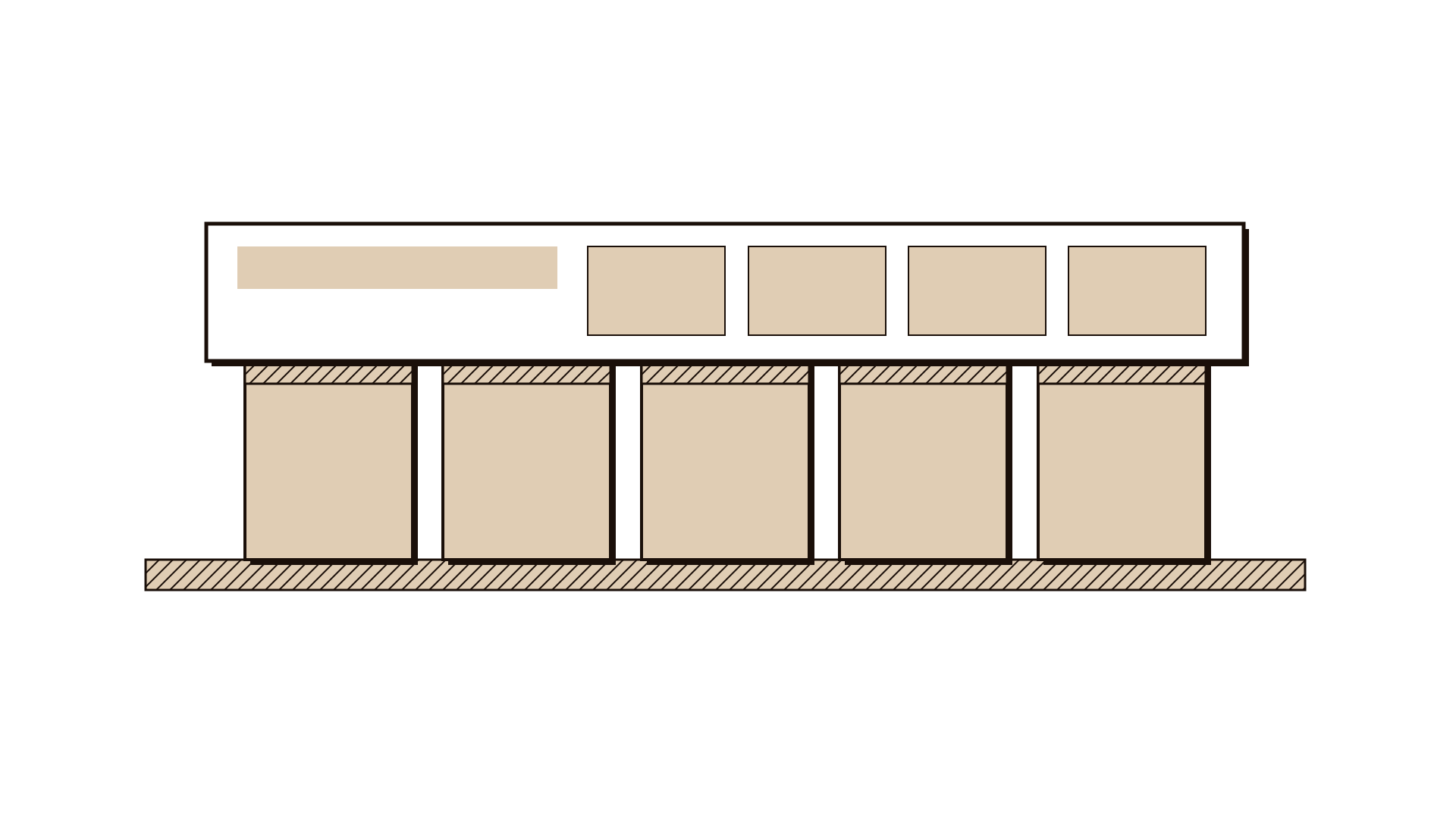
Write at the top which service or unit you are describing and whether it is the model as it runs today or a future model. Do one at a time. A whole ministry is too broad; one service line, such as home care visits or bulky waste collection, gives a canvas people can check against reality.
Step 2: Start with customer segments
List the distinct groups the service exists for, one per note. Split them where their needs differ, not by demographics alone. For a public service, mark who uses it, who benefits and who pays. A resident may use the service while a landlord pays for it and the whole neighbourhood benefits. If one segment matters most, place it at the top.
Step 3: Write the value proposition for each segment
For each segment, write what the service does for them: the job it gets done, the problem it removes or the outcome it delivers. Use plain words a member of that group would recognise, such as "furniture gone within three days" rather than "enhanced waste management". If a segment has no clear value proposition, ask why it is on the canvas.
Step 4: Add channels and relationships
Under channels, note how each segment finds out about the service, requests it, receives it and gets help afterwards: web, app, call centre, counter, letter or a visit. Under customer relationships, note the kind of contact each segment gets, from fully self-service to a named case officer. Mark any channel that costs a lot but serves few people.
Step 5: Show how it is funded
Under revenue streams, list every source of money and say which segment or entity provides it: budget allocation, fees, fines, grants, sponsorship, or charges to other departments. Add rough amounts where you know them. In the public sector this block often shows that a service depends on one source, which is a risk worth naming.
Step 6: Fill in what it takes
Now complete the left-hand side. Key resources are what the service cannot run without: staff, vehicles, systems, data, buildings, legal powers. Key activities are the few things it must do well. Key partnerships are the organisations it relies on, such as contractors, other entities or charities. Then list the main costs and mark the two or three largest.
Step 7: Read across and mark assumptions
Trace a line from each value proposition to the resources, activities and costs it depends on, and back to the funding that pays for it. Look for value with no funding, costs with no matching value, and partners nobody manages. Put a coloured dot on every note that is a guess rather than a fact. These assumptions are what you test before committing to a new model.
Worked example
A municipality serving 1.4 million people collects bulky waste, such as old furniture and appliances, free on request. Residents wait an average of nine days for a pickup, and the city logged 3,400 reports of illegal dumping last year, each costing an average of 410 riyals to clear. Leadership asked the waste department whether a different model could cut the wait without raising the budget.
Five people met for 75 minutes: the waste services manager, a call centre supervisor, a finance analyst, a contracts officer and a service designer. They drew today's model in yellow notes first.
Customer segments split into tenants moving out, homeowners clearing a room, small landlords refurbishing flats, and neighbourhoods affected by dumping. Writing who pays showed that all four were funded entirely by the general budget.
The value proposition for tenants was simply "furniture taken away before I hand back the keys", which a nine-day wait often failed. Channels were the call centre only, with 38% of calls being follow-ups asking when the truck would come.
Key resources were six trucks and a contracted crew paid per trip. The finance analyst marked collection trips and dumping clearance as the two largest costs, and pointed out that clearing dumped items cost more per item than collecting them.
The future version, in green, added a paid three-day pickup for landlords and movers, online booking with a confirmed slot, and a partnership with two furniture reuse charities that would collect usable items for free. Fees from the paid option were estimated to cover about a fifth of the collection budget.
The team marked four assumptions with red dots, including that landlords would pay a fee and that the charities could collect within three days. They took these into assumption mapping and agreed to test the paid option in two districts for eight weeks.
IllustrativeTips and mistakes
Tips
- Use two note colours, one for the model as it is and one for the model you propose, so the change is visible on the same page.
- Write one idea per note. A note that says "residents and businesses" is two segments hiding as one.
- Bring at least one number into every block you can, such as volumes, costs or response times. It turns opinions into a model.
- Keep the canvas next to the evidence. When someone challenges a note, you should be able to show where it came from.
Common mistakes
- Starting with the costs or the organisation chart instead of the people the service exists for.
- Treating citizens as one segment, which hides that different groups need different things and arrive through different channels.
- Leaving revenue streams empty because "it is a government service", when funding sources and their limits are exactly what leadership needs to see.
- Filling the canvas with aspirations and presenting it as fact, without marking which notes are untested assumptions.
What you walk away with
You leave with a one-page description of how the service works today, and often a proposed future version beside it, with the largest costs, the main funding sources and the riskiest assumptions marked. The next step is to test those assumptions. Assumption mapping helps you choose which to test first, and the value proposition canvas lets you look closely at the fit for one segment.
Questions people ask
Can the Business Model Canvas be used for a government service?
Yes. Read customer segments as everyone the service is for, separating users, beneficiaries and payers, and read revenue streams as funding sources such as budget, fees, fines or charges to other entities. The other seven blocks work as they are.
What is the difference between the Business Model Canvas and the value proposition canvas?
The Business Model Canvas shows the whole model on one page. The value proposition canvas zooms in on two of its blocks, one customer segment and the value proposition for it, to check in detail whether what you offer matches what that group needs.
Do we need permission to use the Business Model Canvas?
The canvas is free to use under a Creative Commons licence, provided you credit Strategyzer.com. You can print it, use it in workshops and include it in your documents with that credit.
Tool card
The worksheet your team fills in, one box per field.
- Customer segments
- Value propositions
- Channels
- Customer relationships
- Revenue streams
- Key resources
- Key activities
- Key partnerships
- Cost structure