
Touchpoint matrix
Lay the steps of a journey across the top, the channels down the side, and see where the service is missing, doubled or dropped between them.
- Time
- 45 min
- People
- 3–6
- Kind of work
- Frame · Plan

In short
A touchpoint matrix is a grid with the steps of a customer journey across the top and the service's channels down the side, such as web, phone, text message, counter, letter and staff visit. To build one, list the steps and channels, mark each cell where a step happens, then trace real journeys to find gaps, duplicates and hand-offs.
What it is
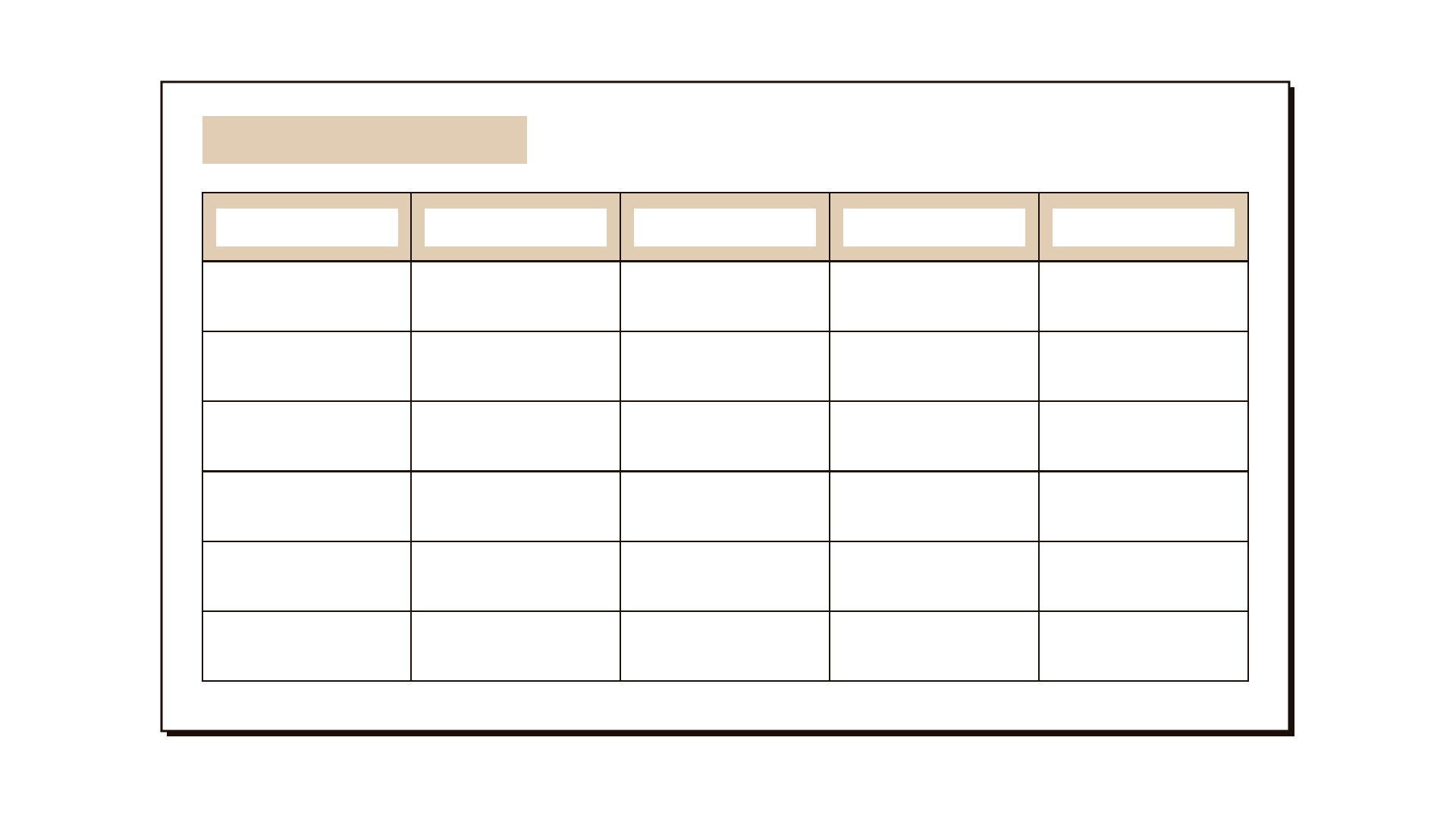
Most services reach people through several channels at once. Someone might read about a service on a website, ask a question by phone, receive a text message, visit a counter and get a letter, all for one request. A touchpoint matrix puts this on one page. Each column is a step in the journey, from finding out to finishing. Each row is a channel. Every cell holds the touchpoint, if there is one: the actual screen, call, message, form or conversation where that step happens in that channel.
Once the grid is filled, patterns are easy to see. Empty cells show steps a channel cannot support. Columns with many marks show steps that are duplicated, often with different information. Lines drawn between cells show hand-offs, where a person is made to switch channel to continue. The matrix is widely used in service design alongside journey maps and service blueprints, and it is especially useful when planning which channels a new or changed service should offer. In this worksheet you record the journey steps, the channels, the touchpoint in each cell, the gaps, the duplicates and the hand-offs, and the change you decide to make.
When to use it
Use it when
- A service is offered through several channels and nobody has a single picture of what happens where.
- Customers say they were sent from one channel to another, or got different answers from different places.
- You are adding or removing a channel, such as moving a counter service online, and need to see what the change affects.
- You have a journey map and want to check whether every step works in the channels people actually use.
- You are planning a launch and need to make sure every channel gives the same information on day one.
Skip it when
- The service runs through one channel only. A simple journey map or process flowchart will tell you more.
- You do not yet know the steps of the journey from the customer's side. Map the experience first, or the columns will reflect the organisation chart.
- You need to see the internal processes and systems behind each step. Use a service blueprint, which adds the backstage layers the matrix leaves out.
You need
- Time
- About 45 minutes for one journey with up to eight steps and six channels. Longer if you trace many real cases.
- People
- 3 to 6 people who between them know every channel, such as someone from the counter, the call centre, digital and correspondence.
- Materials
- A journey map or list of steps, a large grid on a wall or shared board, sticky notes in two colours, and 5 to 10 real cases or complaints to trace.
How to run it
Step 1: List the journey steps
Write the steps the customer goes through as column headings, in their words and in order, for example "find out", "check eligibility", "apply", "pay", "wait", "get the result". Six to eight steps is usually enough. If you have a journey map, take the steps from it.
Step 2: List the channels
Write every channel down the side as a row: website, app, phone line, text message, email, counter, letter, home or site visit, and any partner such as a bank or a private service office. Include channels the organisation does not control but customers use, such as social media or a relative who helps.
Step 3: Fill the cells
For each cell, ask whether this step can happen in this channel today. If it can, write the touchpoint on a sticky note: the form, the screen, the script, the message. If it cannot, leave the cell empty. Check what actually happens, not what the procedure says; the people from each channel are your best source.
Step 4: Mark gaps and duplicates
Look along each column. Circle empty cells where customers clearly try to complete that step, such as calling to check status when the phone team cannot see it. Mark columns where the same step happens in several channels and ask whether the information is the same in each. Duplicates with different wording are a common source of complaints.
Step 5: Trace real journeys
Take five to ten real cases or complaints and draw each one through the grid as a line, from cell to cell. Every time the line changes row, the person switched channel. Note whether they chose to switch or were sent. Forced switches are hand-offs, and they are where people drop out or call again.
Step 6: Decide what to change
As a group, pick the two or three patterns that cause the most trouble. For each, write one change: fill a gap, remove a duplicate, make the information consistent, or end a forced hand-off. Name an owner for each change.
Step 7: Record the matrix
Photograph or save the grid with its marks and traced lines, and write the agreed changes in the worksheet. Keep it as the reference for every later change to the channels, so each new decision starts from the same picture.
Worked example
A national insurer handled about 3,000 motor claims a month. A review found that 41% of claimants called the contact centre at least twice while their claim was open, and contact centre staff said most calls were about status they could not see.
Five people built the matrix in 50 minutes: a claims handler, a contact centre lead, the digital product owner, a correspondence officer and a service designer. They used seven steps, from reporting the accident to receiving payment, and six channels: app, website, phone, text message, letter and the partner garage.
Filling the cells showed that claimants could report an accident in four channels, but could check status only in the app. The phone row was empty under "track the repair", even though that was the main reason people called.
The "approve the repair estimate" column had touchpoints in three channels: an app notification, a letter and a call from the garage. The letter quoted a different excess amount from the app in about one case in ten, because it was generated from an older system.
Tracing eight real claims showed that six were sent from the garage to the contact centre at least once, because the garage could not confirm whether the insurer had approved the estimate.
The team agreed three changes: give contact centre staff the same status view as the app, stop the estimate letter and send the excess in a text message from the main system, and let partner garages see approval status.
Owners were named for each change, and the contact centre lead agreed to report repeat calls per claim each month to show whether the changes worked.
IllustrativeTips and mistakes
Tips
- Write the column headings in the customer's words, not department names. "Find out what is covered" is better than "Product information".
- Invite someone from every channel. Each group knows its own row in detail and rarely knows the others.
- Use one colour of sticky note for touchpoints that work and another for ones known to cause problems.
- Trace real cases, not ideal ones. A single real complaint drawn across the grid convinces people faster than any summary.
Common mistakes
- Building the columns from the internal process, so the matrix describes how the organisation is split rather than what the customer does.
- Filling cells from the official procedure instead of what really happens, which hides the very gaps you want to find.
- Forgetting channels the organisation does not run, such as a partner garage, an agent or a family member, where many journeys actually break.
- Treating every empty cell as a gap to fill, when some steps rightly belong in one channel only.
What you walk away with
You leave with one grid showing every touchpoint by journey step and channel, the gaps, duplicates and forced hand-offs marked on it, and two or three agreed changes with owners. The next step is often a service blueprint for the steps that need fixing, so you can see the internal processes behind them, or a rollout checklist if you are about to change a channel.
Questions people ask
What is the difference between a touchpoint matrix and a service blueprint?
A touchpoint matrix shows where each step of a journey happens across channels. A service blueprint goes deeper into one journey, showing the frontstage actions, the backstage work and the support systems behind each step. Teams often use the matrix to find the problem steps and the blueprint to fix them.
How many channels should a touchpoint matrix include?
Include every channel customers actually use for the journey, usually four to eight. Leave out channels that exist on paper but nobody uses, and note them separately if you plan to close them.
Can we build a touchpoint matrix for a service that does not exist yet?
Yes. For a new service, fill the cells with the touchpoints you plan to offer, then trace a few imagined journeys of different people through it. Empty cells and forced hand-offs show you what to design before launch.
Tool card
The worksheet your team fills in, one box per field.
- Journey steps
- Channels
- Touchpoint in each cell
- Gaps
- Duplicates
- Hand-offs
- Change to make